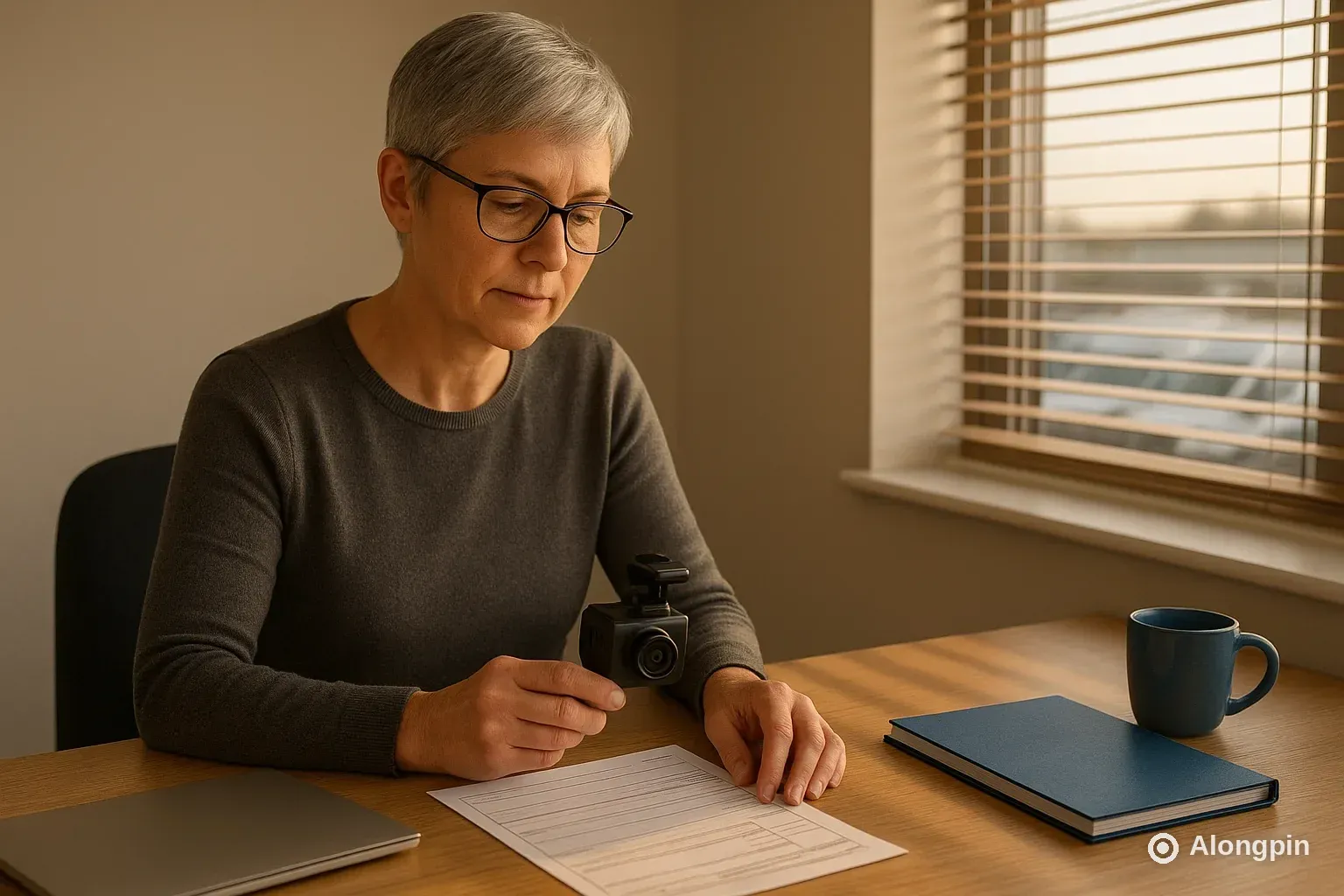
Dashcam and video
Seeing who watched a recording or a live stream
Views of dashcam recordings and live streams are written to the audit log. What an entry contains, who can read it, and how to use it to answer a driver’s question.
Ashish Srivastava3 min read

The dashcam video access log is part of the audit log: each time someone opens a photo, clip or audio recording from a dashcam, or watches its live video, the platform writes who it was, which file or stream, and when. Administrators read it under Settings → Server → Audit log; people who may manage the device also see Viewed by on each file in Devices → Media. This lets you answer the question drivers ask most: who has looked at this?
Key takeaways
- An entry names the person, the device, the file or the camera channel, and the time.
- One entry per person and file (or channel) in a 5-minute window, however often the player reloads.
- Only administrators read the full audit log; device managers see who viewed each file.
- An administrator can switch the log off; views are then not recorded at all.
What is logged
Two kinds of view are recorded:
- Viewed a media file: a photo, video clip or audio recording was opened or downloaded. The entry holds the person, the device, the file name and the time.
- Watched live video: a live stream played. The entry holds the person, the device, the camera channel and the time.
Like every audit entry, it also keeps the address the request came from, for a shorter period than the entry itself. When an administrator was logged in as another user, the entry says who was really looking. A view through a share link is recorded as the link's user.
Not recorded: the device's picture, requests that were refused (no access, file gone), and an empty stream nobody could watch.
One entry per person and file in a short window
Playing a clip makes the browser fetch it in many small parts, and a live player asks for new video every few seconds. To keep the log readable, the platform writes one entry per person and file, or per person and camera channel, within 5 minutes. Watching the same clip twice an hour apart makes two entries; scrubbing back and forth in one clip makes one.
Who may read the log
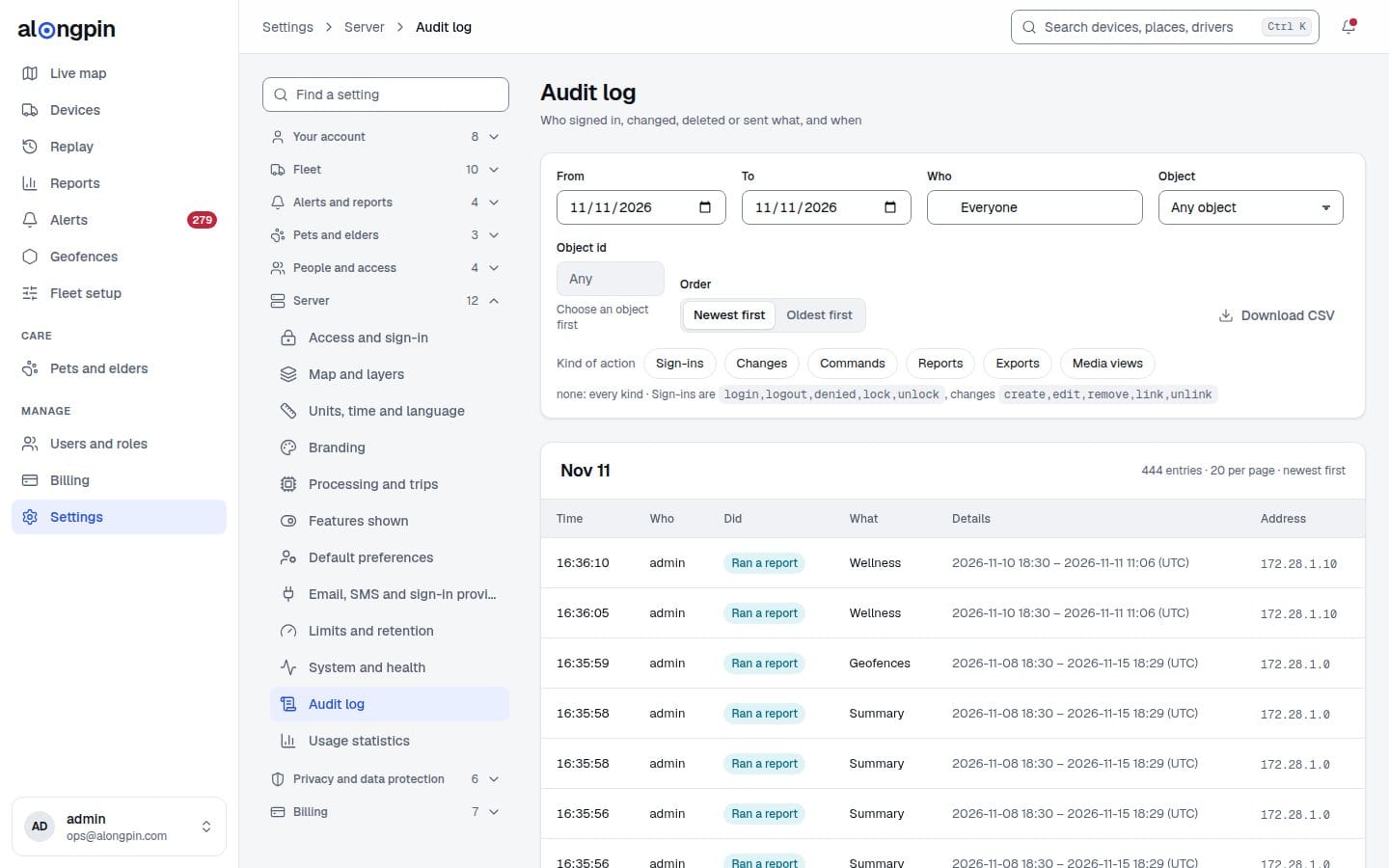
- Administrators open Settings → Server → Audit log, choose the period, and filter Object by Media files or Live video, and Who by person. The action column reads "Viewed a media file" or "Watched live video".
- People who may change the device (administrators and the device's managers, not read-only users) see Viewed by when they select a file in Devices → Media: the names and times of views in the last 90 days.
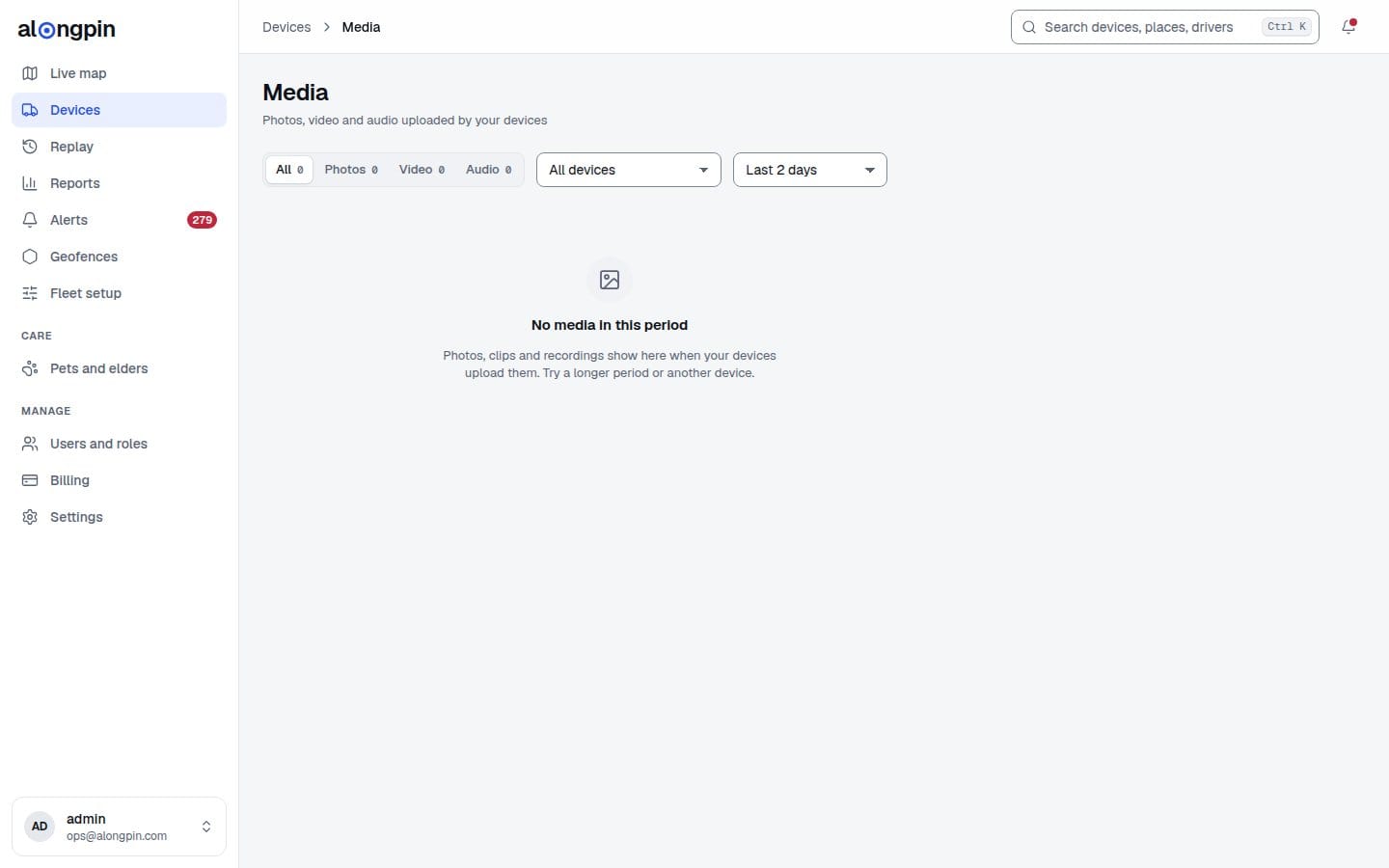
Drivers and other users don't see the log. Views of live streams appear only in the audit log, not on a file.
Using it to answer a driver's question
When a driver asks who watched the clip of last Tuesday's hard braking, or whether anyone watched the cabin camera during their break:
- Find the clip in Devices → Media (filter by the vehicle and the day) and look at Viewed by.
- For live video, ask an administrator to filter the audit log by Live video and the device over the period.
- Answer with names and times, and, where your rules say so, why those people looked.
Having that answer ready builds trust in the cameras. Also say in your driver notice that views are logged. The privacy page explains how the platform handles personal data, and security describes the audit log and how access is controlled.
Switching the log off, and what that means
The setting Log who views recordings, on the Privacy by default page, is on unless an administrator turned it off. Off, no views of files or live streams are recorded from then on: there is no gap marker and nothing to recover later, so you can no longer answer who looked. Entries already written stay until the audit log's retention removes them (365 days in a standard setup). Keep it on unless you have a strong reason, and record the reason if you do turn it off.
The dashcam page sums up recordings, live video and the safeguards around them.
Frequently asked questions
Can the log be edited?
No. Entries are written by the platform and can't be changed from the portal.
Does downloading a clip count as a view?
Yes. Opening or downloading the file is a view.