Dashcam and video
Live video does not start or stops by itself
What to check when a dashcam’s live video does not start, why a stream ends after a few minutes with nobody watching, and why a private trip blocks it.
Ashish Srivastava3 min read
When a dashcam live stream is not working, it is nearly always one of six things: the camera is not online, it doesn't support live video or that channel, the connection is too weak for the main stream, you lack the right to start video on it, the vehicle is on a private trip, or the stream ended because nobody was watching. The Live video page usually says which one in the channel's tile; this article goes through each.
Key takeaways
- The start goes only to a camera connected now; an offline camera fails at once.
- Live video needs a camera on JT808 with JT1078, and a channel the camera has.
- A stream nobody watches stops after a few minutes (5 by default): choose Start again.
- A private trip blocks live video until it ends.
Is the camera online and on mobile data?
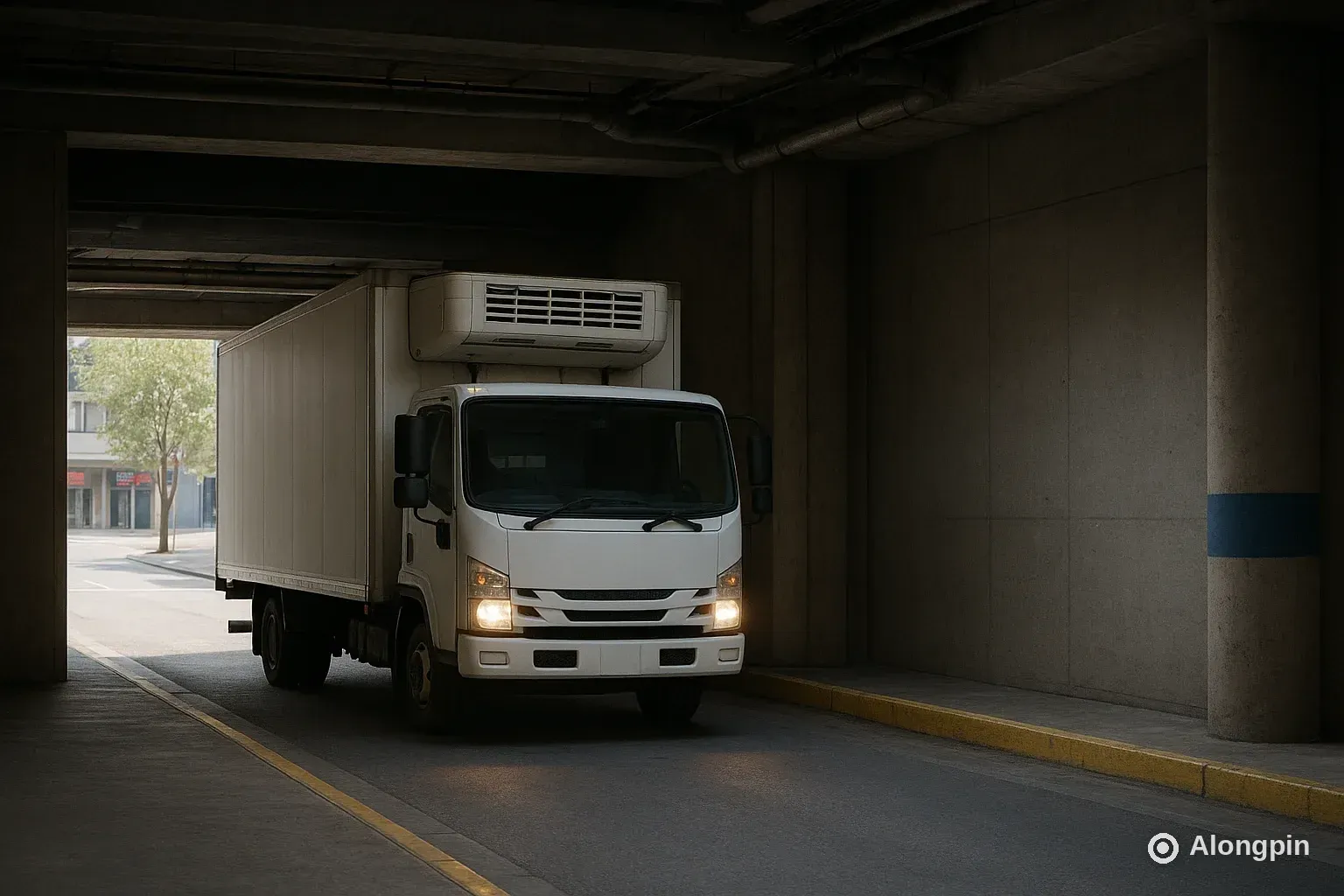
The start command is sent only to a camera that is connected at that moment; it is never queued. If the camera is offline, the tile shows The camera did not start streaming, or The camera did not take the command, with Try again. Look at the vehicle's status on the Live map: many cameras switch off with the ignition, and a vehicle in an underground car park or outside coverage can't stream. Once it reports again, try again.
The camera also needs a working mobile data connection with enough room for video, so check the SIM's data plan if streams fail on one vehicle and work on others.
Does the camera support live video, and that channel?
Live video works with cameras on JT808 with JT1078. If the device reports over another protocol, the page says so: "Live video works with JT1078 dashcams." Even among JT1078 cameras, behaviour differs by model and firmware; check yours on the dashcams page.
Each tile is a camera channel. A channel the camera doesn't have, or one without a camera plugged in, stays dark. Ask whoever installed the camera which channel is which.
Try the sub stream on a weak connection
On a weak connection the main stream may connect slowly or stall. Under Stream, set Quality to Sub stream (smaller, saves data): a smaller picture at a lower bitrate that starts more easily. A camera without a sub stream may refuse it; the tile then offers Use main stream.
If the stream is running but nothing plays, the tile says "The stream is running, but this browser cannot play live video." Try a current version of another browser.
Streams stop after a few minutes unwatched
A stream nobody watches is stopped by the server, after 5 minutes by default (your operator can change this). That saves the vehicle's mobile data when someone closes the page and forgets to stop it. The tile then reads Stream ended, "It stopped because nobody was watching, or the camera ended it", with Start again. As long as the page is open and playing, the stream keeps running.
The camera can end a stream on its own too, for example when the ignition goes off.
A private trip can block the stream
If the vehicle uses private trips and one is in progress, live video is refused. The page says that the vehicle is on a private trip and that "Live video is off until the private trip ends." This protects the driver's private time and can't be overridden from the Live video page. Read more on driver privacy.
Do you have the right to start video on this device?
Starting and stopping video are commands. You need to be allowed to send commands to the device, and with roles, the right to view live video on it, which depends on your role and package. Without it the tile shows "Not streaming. You may not start live video on this device." A read-only account can watch a stream that is already running but not start or stop one. Ask whoever manages users in your account.
Still not working?
Note the vehicle, the channel, the time and the message in the tile, and send them to your administrator or to support. The dashcam page explains what live video and recordings can do.
Frequently asked questions
Can I schedule live video to start when the vehicle comes online?
No. Live video starts only on a camera that is connected now.
Why did the stream stop while I was watching?
The camera may have lost its connection or ended the stream, for example when the engine was switched off. Choose Start again.