Video telematics
Choosing a fleet dashcam that works with an open platform
The best dashcam for fleet tracking on a platform that sells no hardware is the one that speaks the right protocol. JT808 for photos and clips, JT1078 for live video, and the questions to put to a supplier before you order.
Ashish Srivastava5 min read
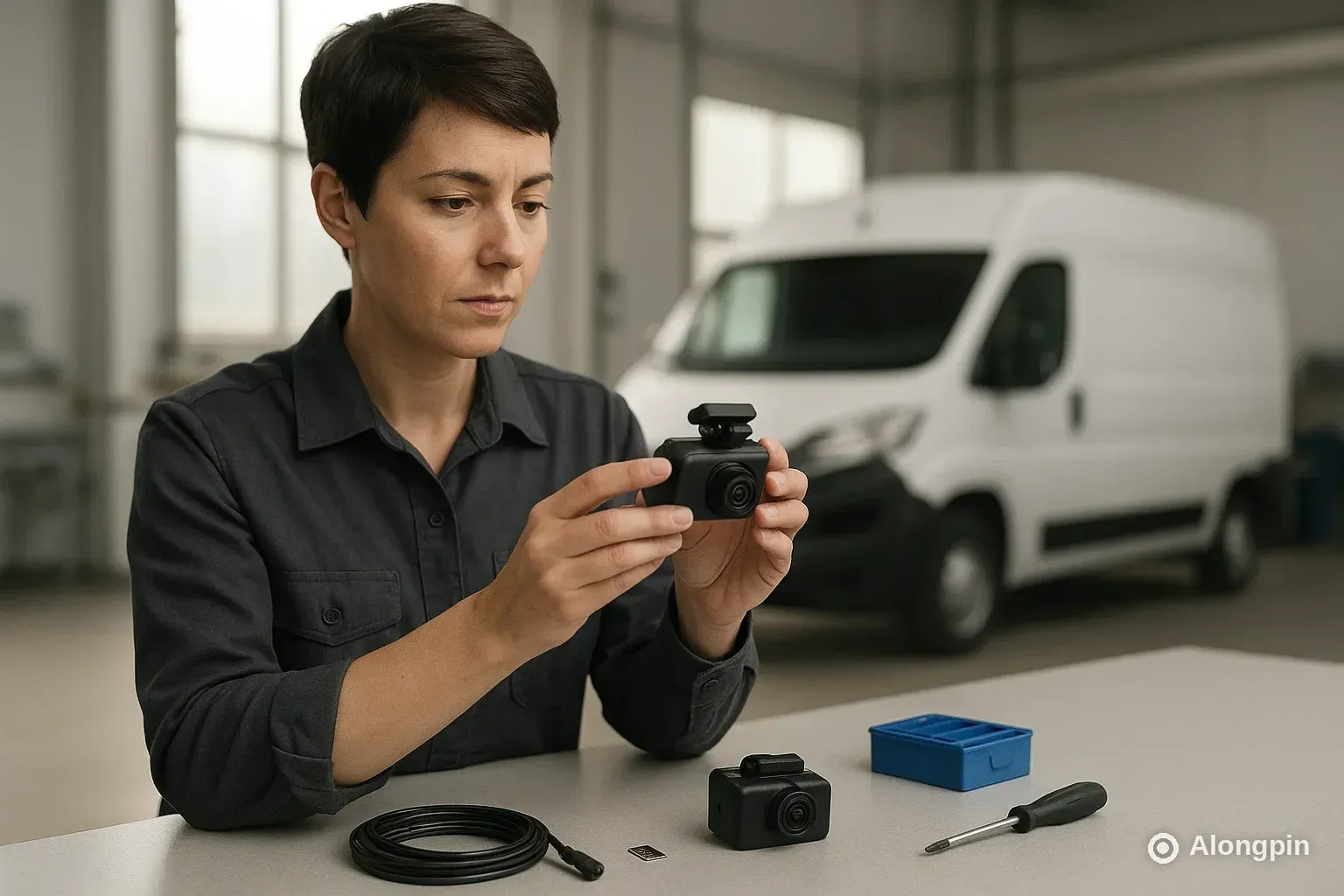
The best dashcam for fleet tracking on an open platform is not a brand but a camera that speaks the right protocol to a server you choose. Alongpin sells no hardware: it decodes the protocols cameras and trackers use. For dashcams that means JT808 for position, alarms, photos and clips, and JT1078 on top for live video. Get the protocol right, test one unit, and check channels, storage, power and the SIM plan, and you can buy from the supplier you trust. This guide gives the questions to put to that supplier before you order a fleet's worth.
Key takeaways
- Ask for JT808 (JT/T 808) with a configurable server address and port; add JT1078 if you want live video.
- Many cameras are sold tied to the maker's own cloud. Confirm you can point yours at another server.
- Behaviour differs by model and firmware, so buy one unit and test it before the order.
- Check channels, sub stream, memory card, power wiring and the SIM's data plan.
- The device check on the site searches the protocols the platform decodes.
Before you begin
Write down what you want the cameras for: incident clips, live video, load photos, a cabin camera for passenger safety. Each purpose changes what to ask for. Also decide who will install the cameras; most fleet dashcams are wired to the vehicle's power by an installer, and the installer often configures them too.
Step 1: Put the protocol before the brand
A fleet dashcam talks to a server in a protocol. If the platform does not understand that protocol, the camera is a camera and nothing more. Many fleet cameras use the JT808 family of protocols, which describes how a terminal reports its position, alarms and media. A camera on JT808 behaves like a GPS tracker on the live map and sends photos, clips and audio on top; the dashcams page lists what such a camera reports.
Ask the supplier: Which protocol does the camera use to talk to a server, and can I set the server address and port myself? Some cameras are locked to the maker's cloud service or need a vendor tool to change the server. That is a dealbreaker for an open platform.
Step 2: Choose JT808 for photos and clips, JT1078 for live video
The two protocols do different jobs:
- JT808 carries the tracking (position, ignition, alarms such as SOS, overspeed, fatigue, collision or tampering) and the uploads: photos, audio and video clips with the camera channel and the reason they were recorded.
- JT1078 adds live video: the camera streams a channel on request, and the picture plays in the browser a few seconds later. Live video is video only, without sound.
If you only need clips after incidents and requested photos, JT808 is enough. If you want to look through the camera on demand, ask for JT1078 too, and confirm it is enabled on the units you will receive.
Step 3: Check the protocol with the device check
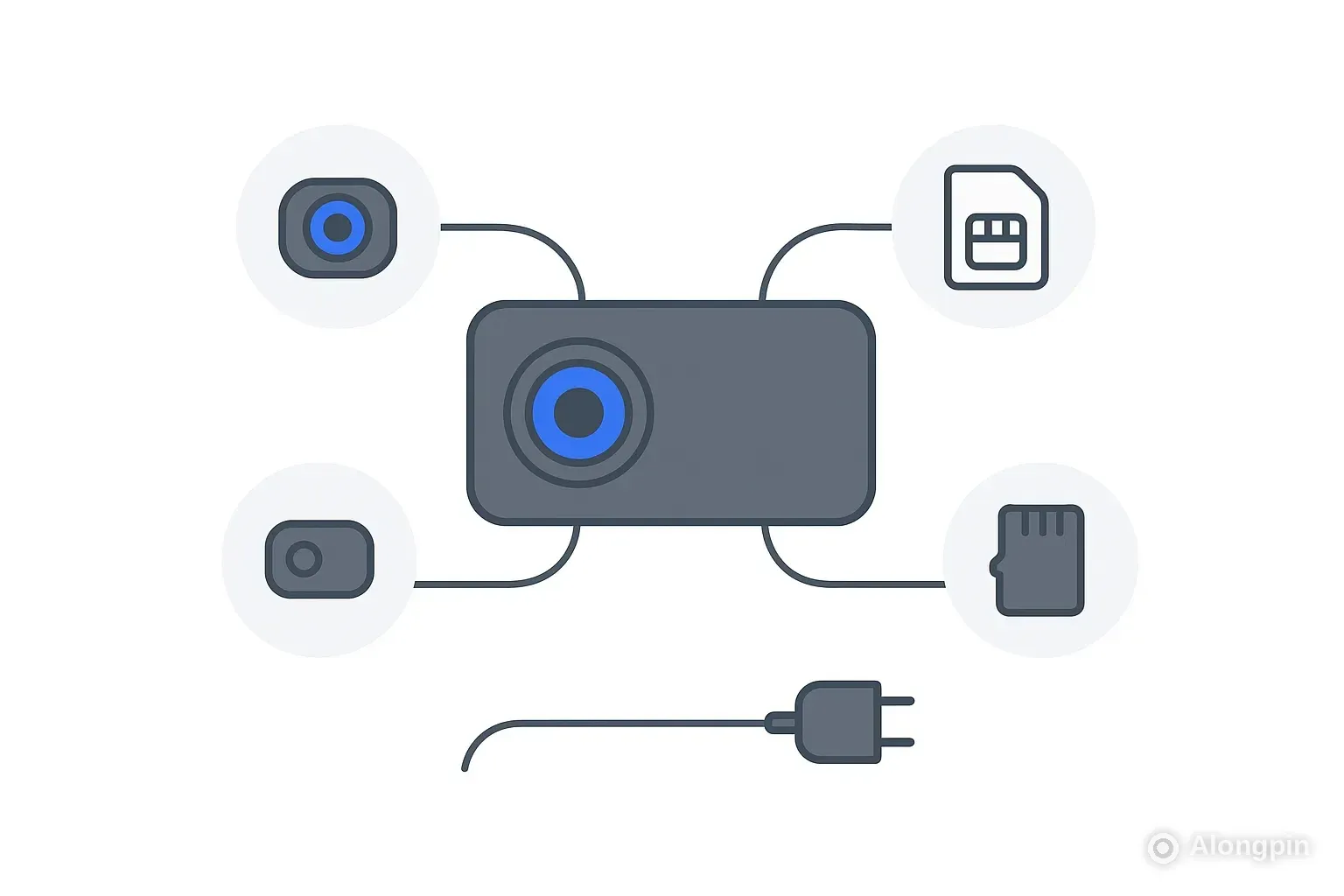
Before you ask for a quote, type the protocol name (jt808, jt1078) or the model into the device check. It searches the protocols the platform decodes. A match means the platform speaks the protocol; it does not guarantee that every function of a given model behaves as expected, which is what the next step is for.
Step 4: Buy one unit and test it first
Camera makers implement the same protocol in slightly different ways, and firmware versions differ within one model. Test one unit for a week before ordering more:
- It connects. Add it in the portal by its identifier and enter the server address and the port shown in Set up the tracker for the device (use the one Set up the tracker shows). It appears on the live map with its position and ignition.
- It sends a photo on request. Send Take a photo from the device's commands; the photo should arrive a few seconds later in Devices → Media, marked Requested.
- Its event clips carry a reason. Trigger a harsh braking or press SOS in a safe place, and check that the clip arrives titled with the reason. The standard JT808 reasons are recognised; vendor-specific codes may show as Other event.
- Live video works on each channel, with both main and sub stream if you need them.
- It behaves after the ignition goes off: whether it keeps reporting, sleeps or switches off.
The guide on connecting a JT808 dashcam shows each step in the portal.
Step 5: Check channels, sub stream, storage and power
Ask the supplier, and check on the test unit:
- Channels. How many cameras can be connected, and which channel is which (road, cabin, load, rear)? Each channel streams separately and uses its own data.
- Sub stream. Does the camera offer a lower-bitrate sub stream for live video? It starts more easily on a weak connection and saves data. A camera without one may refuse the request or send its main stream.
- Memory card. What card size does it take, how long does a loop last, and are event files protected from being overwritten? The card is your backup for anything not uploaded.
- Upload settings. Which events upload a clip, how long the clips are, and whether scheduled photos are possible.
- Power. Is it wired to permanent power and ignition, does it have a parking mode, and how does it protect the vehicle battery?
Step 6: Plan the SIM and data
A dashcam needs a SIM with a data plan, and video makes data the main running cost. Check that the camera supports the mobile networks where your vehicles drive, that the plan's upload speed and volume suit the clips and any live video you expect, and what happens when the plan reaches its limit. Start test units on a plan you can monitor, then size the fleet's plans from what you observe. The Live video page shows the video the server received from each camera this month, a useful guide alongside the SIM provider's figures.
Common mistakes to avoid
- Buying on resolution alone. A sharp picture is useless if the camera cannot talk to your platform.
- Ordering a fleet from a datasheet. Test one unit with your SIM, your installer and your settings.
- Forgetting the cabin channel's privacy implications. Decide the capture policy and the driver notice before the cameras arrive.
- Assuming every reason arrives. Fatigue and distraction clips come only from cameras that detect them.
What success looks like
Your test camera appears on the live map, a requested photo arrives within seconds, an event clip arrives with its reason, live video plays on each channel, and the data use matches your plan. Then order. The video telematics solution shows what fleets do with the recordings once the cameras are in.
How Alongpin helps
Alongpin (alongpin.com) is a GPS tracking platform you open in a browser or on your phone. Supported dashcams send photos and event recordings with the vehicle's position, live video plays in the browser, and every view is logged; a capture policy decides what is kept. See video telematics and the dashcam feature, or check your camera in the device check.
Frequently asked questions
Does Alongpin sell dashcams?
No. You buy cameras from a supplier of your choice; the platform decodes their protocol.
Can I mix dashcams and plain trackers?
Yes. Both appear on the same map and in the same reports.
What commands does a dashcam take?
Typically a photo request, live video start and stop, position requests and, where the camera accepts them, settings and engine stop. It depends on the model.