Fleet management
What is fleet tracking and how does it work?
Fleet tracking puts a small GPS tracker in each vehicle, sends its position over mobile data and shows it on a map you open in a browser. Here is what each part does, what you see, and what depends on the device.
Ashish Srivastava5 min read
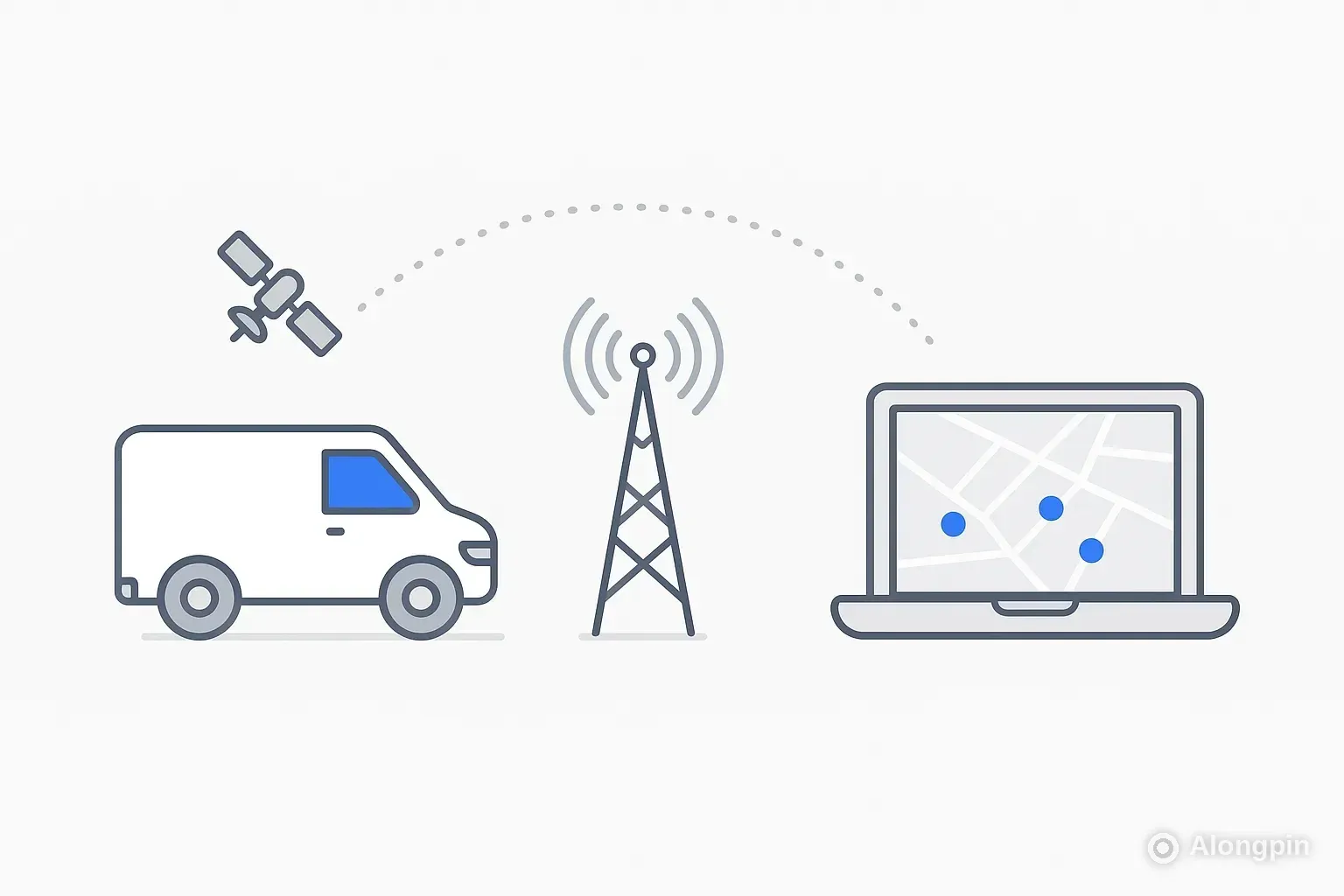
Fleet tracking is a way of knowing where your vehicles are and what they have done, without phoning the drivers. A small GPS tracker in each vehicle works out its position and sends it over mobile data to a tracking platform, which shows every vehicle on a live map and keeps the history as trips, stops, alerts and reports. For an owner who has never used it, the system has three parts: the tracker, the mobile data that carries its messages, and the platform you open in a browser or on a phone.
Key takeaways
- A fleet tracking system has three parts: a tracker in the vehicle, a SIM with mobile data, and a platform that shows and stores what the tracker reports.
- Every tracker reports position, speed and time; most wired trackers also report the ignition, and many raise alarms.
- What you see on screen: a live map, trips, zones with alerts, and reports.
- Fuel, harsh driving, driver identification and video depend on the tracker you fit, not on the platform.
- Check that your tracker model is supported before you buy it.
How fleet tracking works: the three parts
The tracker in the vehicle
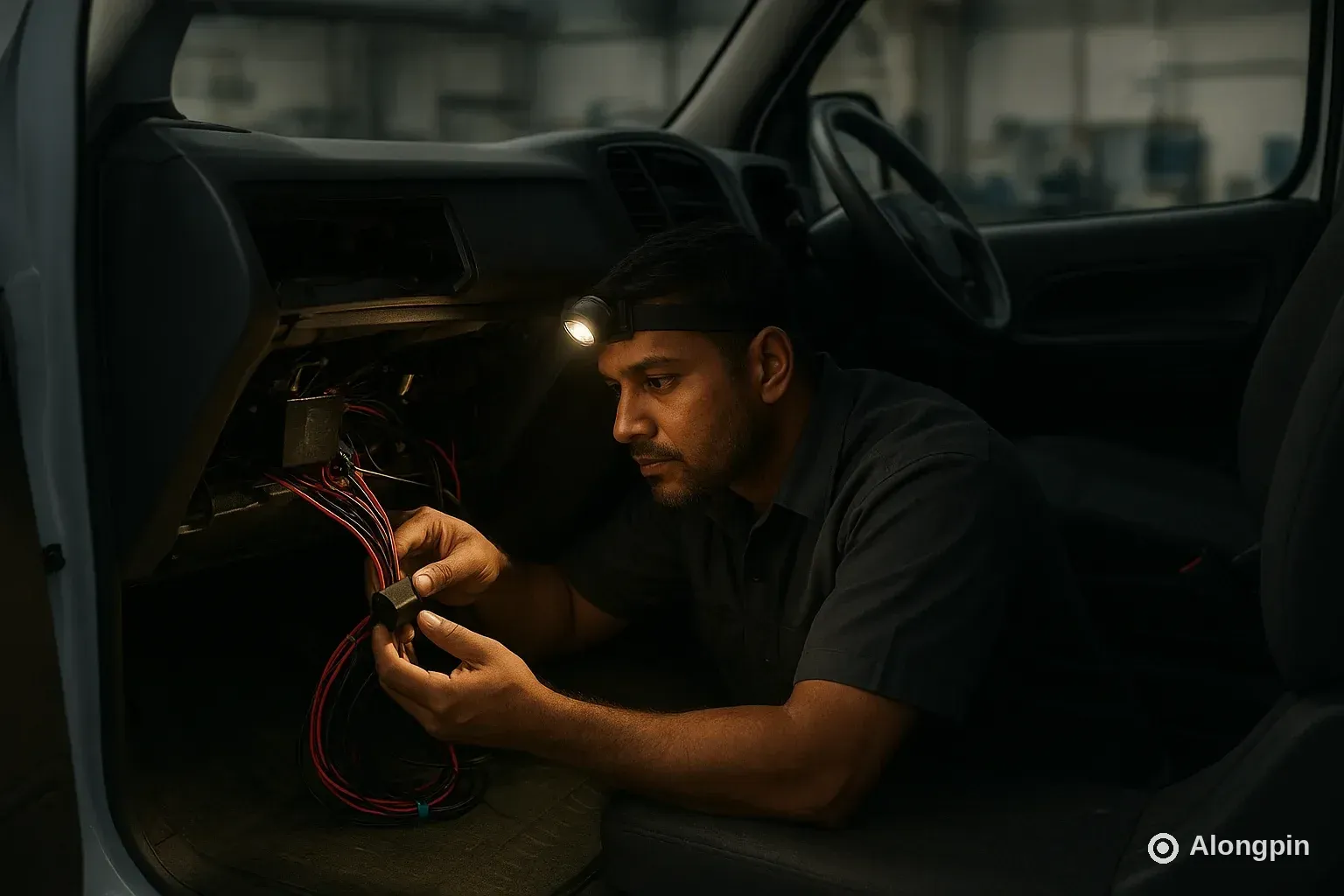
The tracker is a small box, usually wired to the vehicle's power behind the dashboard, or plugged into the diagnostic socket. It contains a GPS receiver that works out where it is, and a mobile modem that sends that position on. It reports at intervals while the vehicle moves (every few seconds to every minute or so, as it is set up) and less often while it is parked.
The mobile data
The tracker carries a SIM card with a small data plan. Each message is tiny, so the data used is small, but the SIM must work where your vehicles go. Without coverage the tracker usually keeps its positions and sends them when coverage returns, so the history fills in later.
The platform
The platform receives the messages, decodes them (each tracker family speaks its own protocol) and stores them. It is what you and your team open: it draws the map, works out trips and stops from the raw positions, checks zones and rules, and sends the alerts. Alongpin is such a platform: you sign in, add your trackers by their IMEI, and the vehicles appear as their messages arrive.
What a tracker reports
Every GPS tracker reports the basics:
- Position: latitude and longitude, with the time of the fix.
- Speed and heading: how fast and in which direction the vehicle moves.
- Ignition: on most wired trackers, whether the engine is on, which tells driving apart from standing with the engine running and from parked.
- Alarms: depending on the model, a power cut, a low battery, an SOS button or a tow alarm.
From these, the platform works out what the tracker does not send itself: where a trip started and ended, how long the vehicle stood still, whether it entered or left a zone, whether it went over a speed limit.
What you see on screen
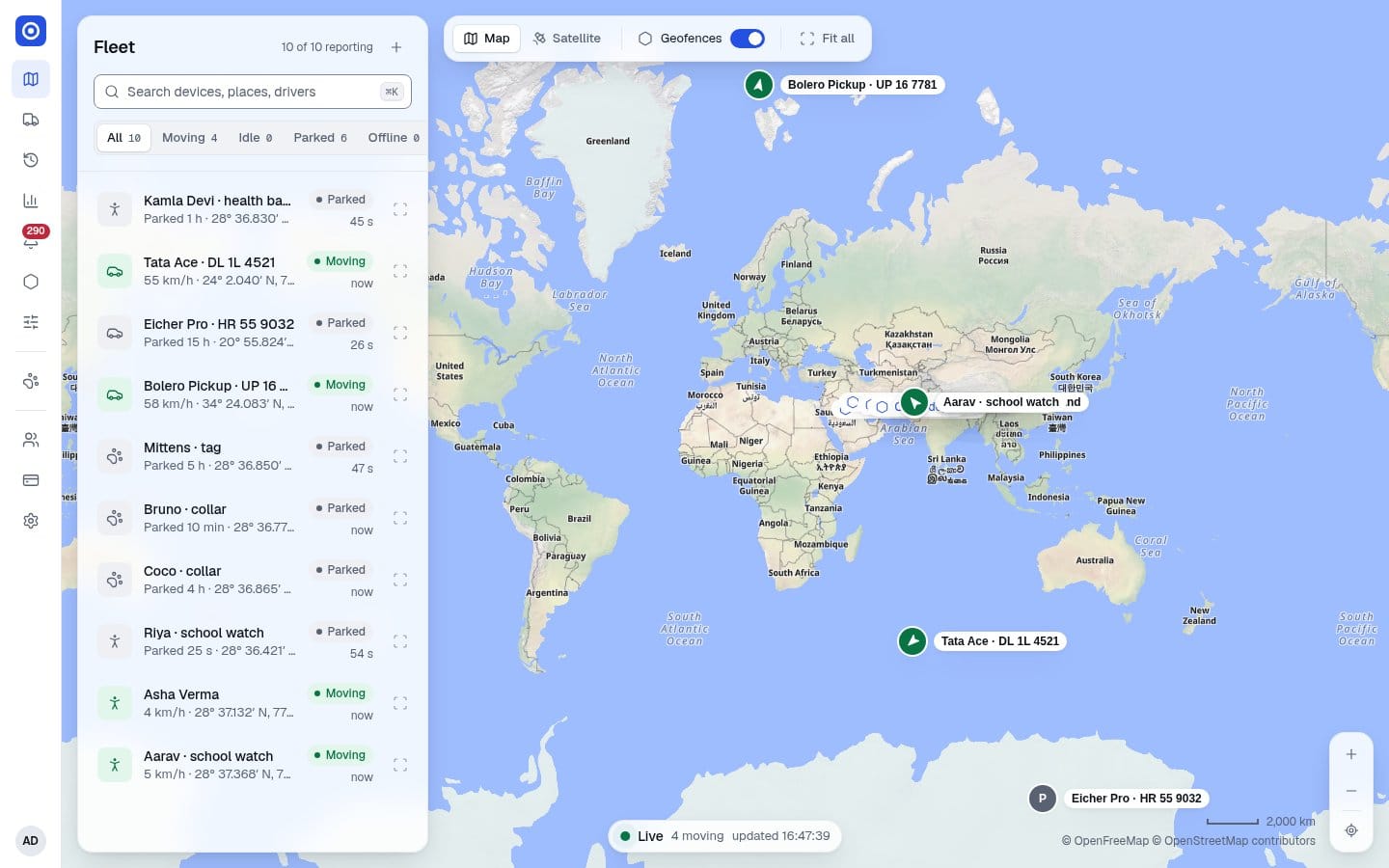
- A live map with every vehicle and its state: moving, idle (engine on, standing), parked, offline, or unknown when it has not reported for a while. You can follow one vehicle or a group. See the live map.
- Trips and replay: each day split into trips and stops, and a route you can play back.
- Zones and alerts: draw a depot or a customer site on the map and be told when a vehicle arrives or leaves; set rules for speeding, ignition outside hours or a tracker going offline.
- Reports: trips, stops, idle time and summaries per vehicle or group, to view, download or receive on a schedule.
The fleet solution page shows how these come together for a business with vans, trucks or service vehicles.
What depends on the device
The platform can only show what the tracker measures and sends. Some features need particular hardware:
| You want | What it takes |
|---|---|
| Fuel level or consumption | A tracker connected to a fuel sensor or to the vehicle's data that reports fuel |
| Harsh braking, acceleration and cornering | A tracker with an accelerometer that reports these events |
| Knowing who drove | A tracker with a driver ID reader (a card or key fob) |
| Video of the road and the cab | A dashcam that the platform supports |
| Engine hours and odometer from the vehicle | A tracker that reads them, or a counter the platform keeps from positions and ignition |
When a feature matters to you, check that the tracker reports it before you buy.
Platform and hardware are bought separately
With Alongpin, the platform is a subscription and the trackers are hardware you choose. That keeps you free to use trackers you already have, or to buy from a supplier you trust, as long as the platform speaks their protocol. Before you buy, type the model into the device check: it searches the protocols the platform decodes.
First steps
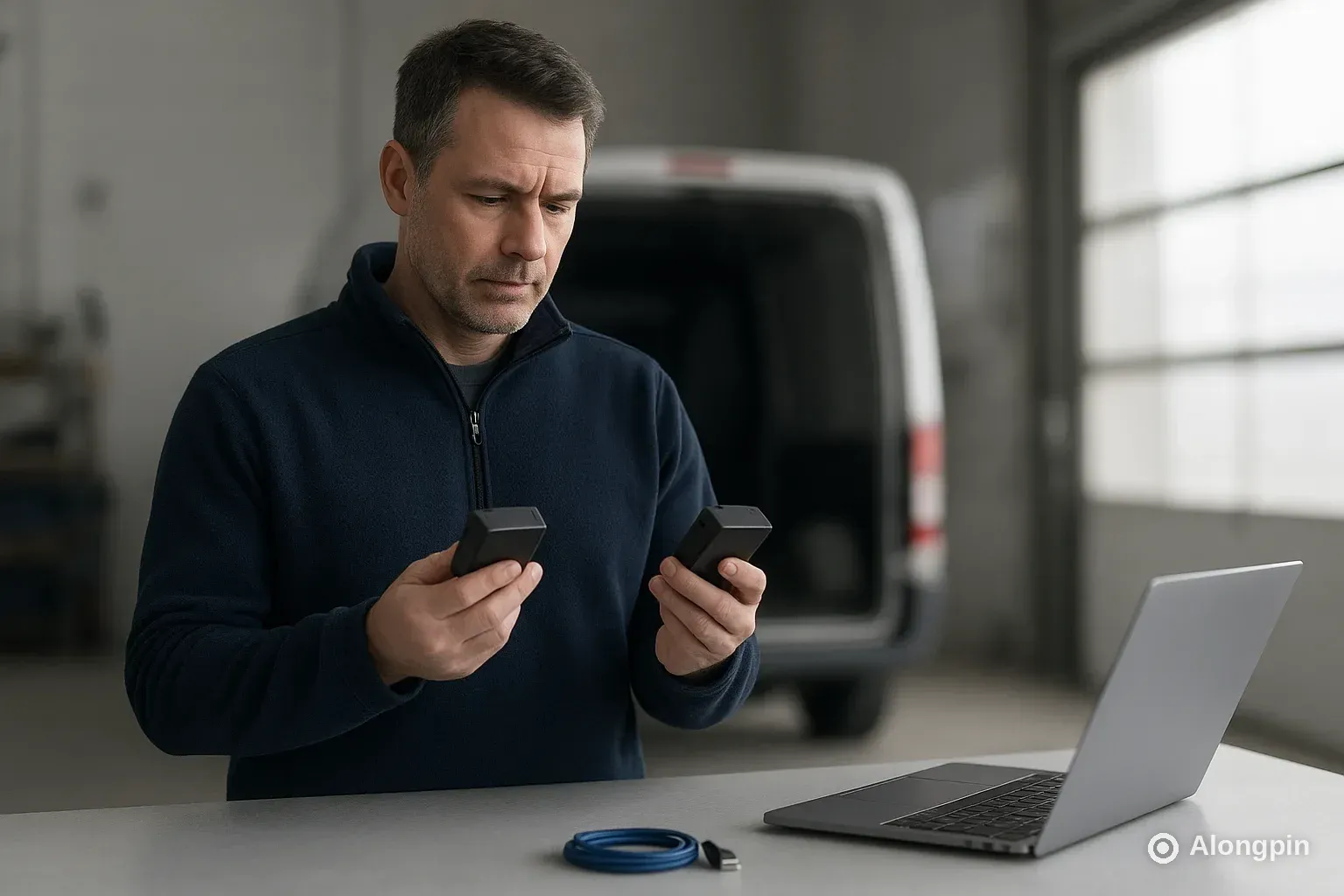
- Check your trackers in the device check, or choose a supported model.
- Fit a tracker in one vehicle, with a SIM that has data.
- Sign up and add the tracker by its IMEI; the setup in the portal shows the server address and port the tracker needs.
- Watch it come online on the live map, then add zones and an alert or two.
Where a package offers a trial, it is shown on the pricing page and when you sign up; starting with one or two vehicles is a sensible way to see what the data shows before fitting the whole fleet.
How Alongpin helps
Alongpin (alongpin.com) is a GPS tracking platform you open in a browser or on your phone. Your trackers, in the vans, trucks and cars you already run, show on one live map with trips, stops, idle time and alerts; reports and scheduled reports answer the questions this article raises, and users and roles let each depot see its own vehicles. Check your trackers in the device check, read how it works for fleets, and start on the pricing page.
Frequently asked questions
Does fleet tracking need an internet connection in the vehicle?
The tracker needs mobile data through its own SIM; the vehicle needs no other connection. Where there is no coverage, most trackers store positions and send them later.
Can I use the trackers I already have?
Often, yes. The platform speaks many tracker protocols; the device check tells you whether yours is one of them.
Is a phone app enough instead of a tracker?
A phone running a tracking app can report its position, which suits staff who carry a phone. A fitted tracker reports the vehicle itself, whoever drives and whether or not a phone is on board.