Fleet management
Self-hosted vs hosted fleet tracking: which suits your business?
Running the tracking platform on your own servers gives you control over data and settings, and makes you the operator. A hosted account removes the work. What each model means, what an operator decides, how costs differ, and the questions that settle it.
Ashish Srivastava6 min read

Self-hosted vs hosted GPS tracking is a choice between control and work. Self-hosted means you run the tracking platform on your own servers: your data stays where you put it, and your team handles updates, backups, device ports and monitoring. Hosted means you use an account on a platform someone else runs: you start in an afternoon, and the operator decides the server-wide settings. Alongpin can be used either way, with the same web app, API and billing, so the decision is about your business, not about features.
Key takeaways
- Self-hosting gives you control over where data lives and over every server-wide setting; it also makes you the operator, with the duties that come with it.
- Hosting removes the operating work; you manage your own users, devices and rules, and the operator manages the server.
- Retention periods, alert channels, payment methods, company sign-in and device ports are decided once per installation, by whoever operates it.
- Hosted costs are a subscription per device or per account; self-hosted costs are mostly servers and people's time.
- Most small and mid-sized fleets are better served by a hosted account; self-hosting pays off when data location, integration or scale make it a requirement.
What each model means in practice
| Self-hosted | Hosted | |
|---|---|---|
| Where it runs | Your servers or your own cloud account | Servers run by the operator |
| Who administers the server | Your IT team | The operator |
| Who manages users, devices and rules | You | You, within your account |
| Updates and backups | Your team | The operator |
| Device ports and firewall | Your team opens them | Already open |
| Alert channels (email, SMS, Telegram, push, webhook) | You configure each service | Those the operator has switched on |
| Start-up time | Days to weeks | Minutes |
| Cost structure | Infrastructure, outside services, staff time | Subscription per device or per account |
Self-hosted
The whole platform ships as containers that you run yourself. You get the same web app, API, reports and billing as a hosted installation. You also get the job of running it: a server that thousands of trackers connect to around the clock, with a database that grows every day.
Hosted
You sign up, add your trackers by IMEI and point them at the server address the portal shows. The platform is already running, the device ports are open, and the outside services the operator has configured are ready to use.
Control: where data lives and who administers it
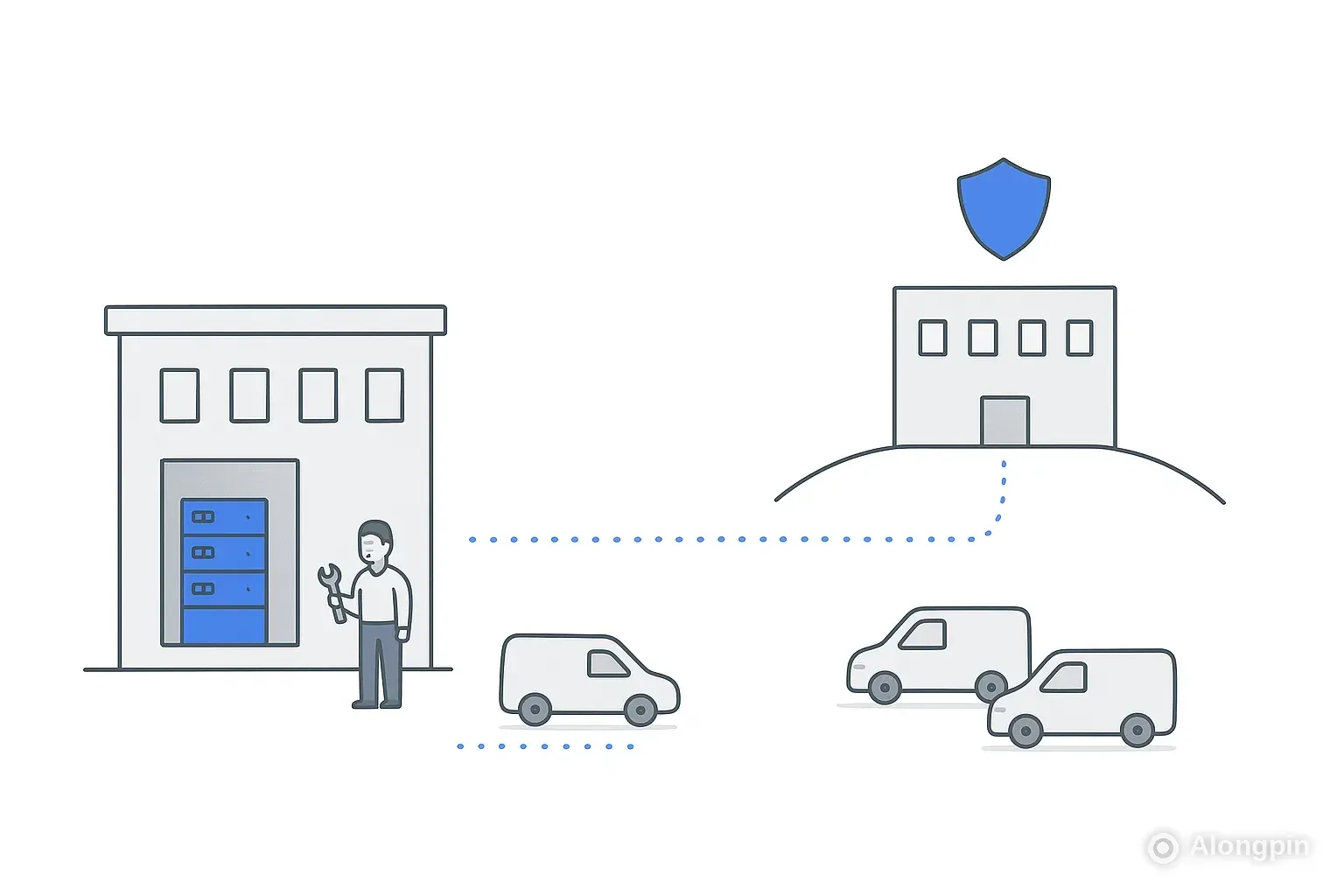
Control is the strongest reason to self-host. With your own installation, positions, events, driver data and media sit on infrastructure you chose, in the country you chose, under your own access policies. Nobody outside your organisation has administrator rights unless you give them.
With a hosted account, the operator holds the data as your processor. A data processing agreement is available for the hosted service, and its sub-processors are listed on the privacy pages. Inside your account you still decide who sees what, with roles that limit people to a device, a group or a function.
Two security points apply to both models, as the security page explains. Sensitive fields such as health notes, photos, two-factor keys and share tokens are encrypted with a data key the operator sets. Positions rely on disk and backup encryption, which whoever hosts the platform provides. On your own servers, that "whoever" is you.
Work: updates, backups, device ports and monitoring
Running a tracking platform is ordinary operations work, but it never stops. Plan for it before you choose:
- Updates. New releases bring fixes and features. Someone has to read the release notes, plan the update and check that trackers reconnect afterwards.
- Backups. The platform makes no backups of its own. Backing up the databases and media storage, and testing a restore, is the operator's job.
- Device ports. Each tracker protocol listens on its own port. Your firewall must let those ports in from the mobile networks your trackers use, and your team must know which protocols are switched on. The setup guide on listing the protocols and ports your server has enabled shows where to look.
- Monitoring. Trackers report every few seconds to every few minutes. If the server stops, alerts stop with it. Someone needs to be told, at night too.
- Outside services. Mail, text messages, Telegram, push, maps, address lookup and payment providers are separate services, each off until the operator configures it. On your own installation, you sign the contracts and enter the keys.
On a hosted account, all of this is the operator's work, and you see only the result.
Settings an operator decides
Some settings apply to the whole installation, not to one account. On your own server you choose them; on a hosted account the operator has chosen them for everyone:
- Retention: how long positions, events, media and audit entries are kept before automatic deletion.
- Privacy defaults: how much detail email and text alerts carry, the longest a share link may last, whether share links can have a PIN.
- Channels: which of email, SMS, Telegram, push and webhooks are available. A webhook address is one per installation, set by the administrator.
- Payment methods: which of card, PayPal, Razorpay and bank transfer customers can use.
- Sign-in: whether two-factor is required for new accounts, and whether people can sign in with one OpenID Connect provider for the whole server.
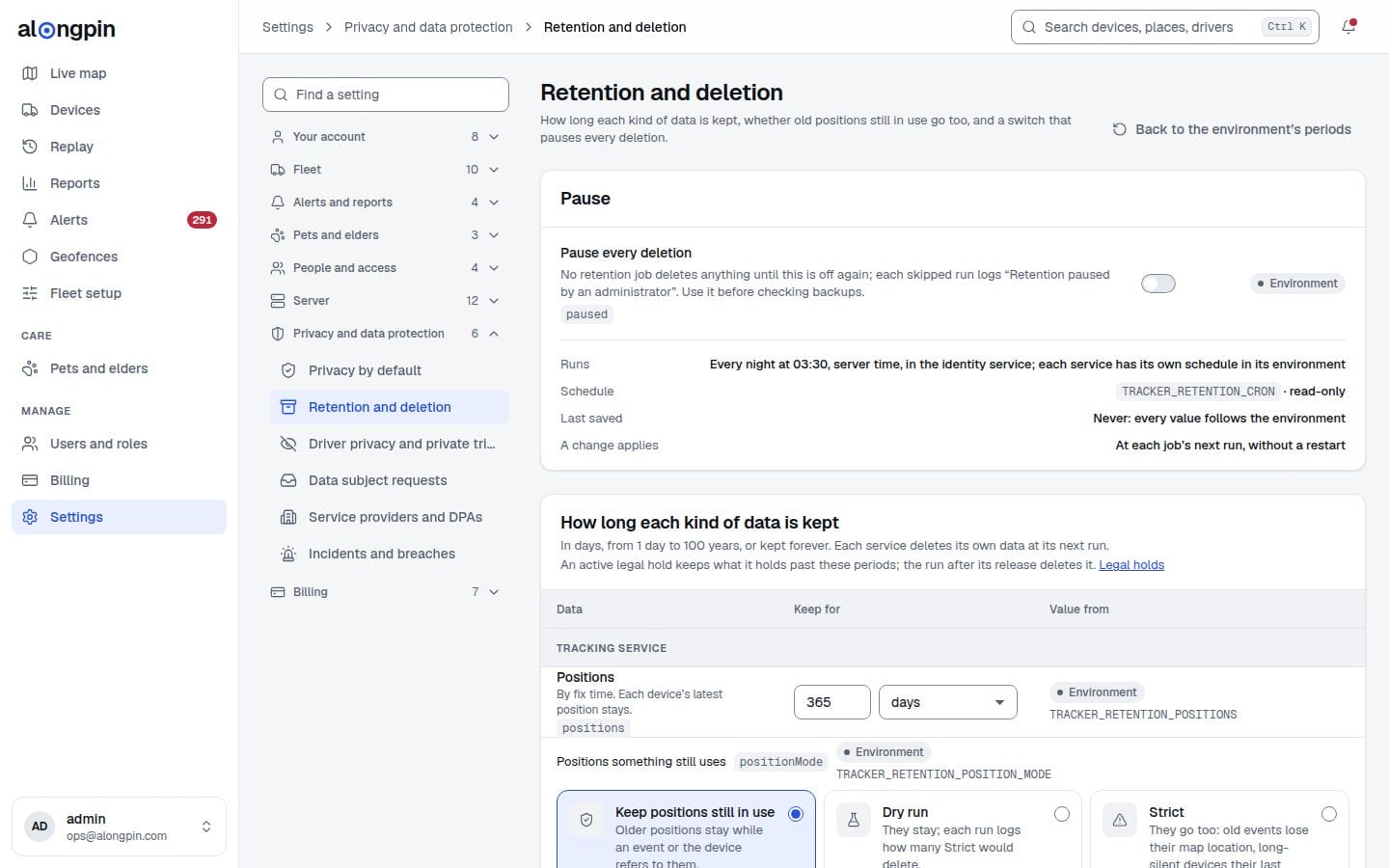
If your data protection officer needs a specific retention period, or your company sign-in must be your own identity provider, a hosted installation may not be able to offer it, because those settings serve every customer on it. That is often what tips the decision.
Cost structure, without the price tags
The two models spend money in different places.
Hosted costs are a subscription. Packages are priced per device or as one price for the whole account up to a device limit, as the pricing page explains. Trackers and SIMs are bought separately in both models.
Self-hosted costs are spread out:
- servers or cloud resources sized for your number of trackers and the history you keep;
- storage for media if you use dashcams;
- outside services such as an SMS gateway, a mail service, map tiles and address lookup;
- staff time for updates, backups, monitoring and support;
- the terms under which you run the platform yourself, which you agree with us.
For a fleet of a few dozen vehicles, the staff time alone usually outweighs a subscription. For a large operator with an existing operations team, a data centre and integration needs, the picture can turn around.
Questions that settle the choice
Answer these honestly and the choice is usually clear:
- Must the data stay on infrastructure you control for legal, contractual or customer reasons?
- Do you need server-wide settings that a shared installation cannot offer: your own retention periods, your own sign-in provider, your own channels?
- Do you have people who can run a 24-hour service: updates, backups, monitoring, firewall changes?
- How many trackers, and how much history and media will you keep?
- Do you need deep integration with systems that run inside your network?
- How soon do you need to start?
If the answer to the first three is no, start with a hosted account. You can still use the API and webhooks for integration. If the answer to any of the first two is yes, talk to us about running it yourself. The contact page reaches the team that can go through hosting options with you.
How Alongpin helps
Alongpin (alongpin.com) is a GPS tracking platform you open in a browser or on your phone. Your trackers, in the vans, trucks and cars you already run, show on one live map with trips, stops, idle time and alerts; reports and scheduled reports answer the questions this article raises, and users and roles let each depot see its own vehicles. Check your trackers in the device check, read how it works for fleets, and start on the pricing page.
Frequently asked questions
Is self-hosted GPS tracking more secure?
Not by itself. It is as secure as the people running it. Self-hosting moves the duties of patching, backups and access control to your team.
Can we move from hosted to self-hosted later?
Every account can export its data, and the platform is the same in both models. A move is a project to plan with us, not a button.
Is on-premise GPS tracking software harder to update?
It takes planning: read the release notes, back up, update, and check that trackers reconnect. On a hosted account the operator does this for you.