Kids and family safety
School trips and summer camps: a share that ends by itself
Sending a child on a school trip or summer camp with a GPS watch: ask what is allowed, share the one watch with an expiring link and a PIN where available, plan for rural coverage and battery, and end the link when the trip is over.
Ashish Srivastava6 min read

A GPS tracker for a school trip or summer camp is most useful when the right person can see it for exactly as long as the trip lasts. In Alongpin you create a share link for your child's watch with an end date, so a relative, or a group leader where the school agrees, can follow that one device on a map, and the link stops working by itself when the trip is over. A PIN, where your server offers one, keeps the link closed to anyone it is forwarded to. Before any of that, ask the school or the camp what they allow; afterwards, check that nothing is left open.
Key takeaways
- Ask first: many schools and camps have rules on watches and phones, and some prefer children without them.
- A share link covers one watch, opens with no sign-in, and stops at the date and time you set under Works until.
- A PIN, where your server allows it, means the link alone is not enough to open it.
- Rural coverage and a battery without a charger are the usual reasons a trip watch goes quiet. Plan for both.
- End the link early if the trip ends early, and check your list of links when your child is home.
Step 1: Ask the school or camp what is allowed
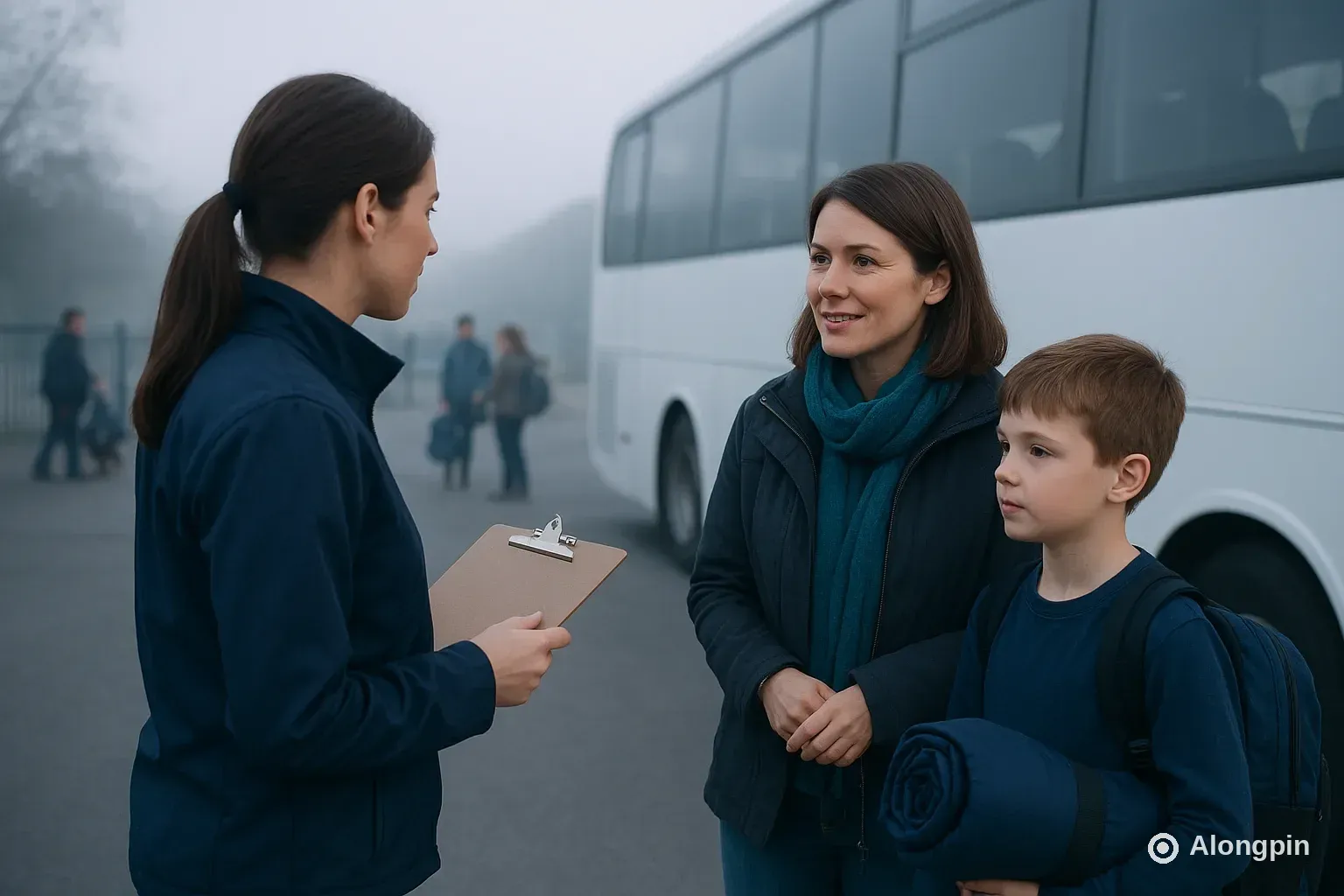
Before you set anything up, ask. Schools and camps differ a great deal:
- Some ask children to leave watches and phones at home, so they take part fully and nothing gets lost.
- Some allow watches but not calls during the day, or collect them at night.
- Some prefer that parents contact the group leaders, not the children, and have their own way of keeping families informed.
If the school or camp does not want the watch, respect that. The group leaders are responsible for your child on the trip, and they know the programme. If the watch is allowed, ask a few practical questions: where will the children sleep, is there anywhere to charge, will there be mobile coverage at the site, and who should you call if you are worried.
If you think of sharing the watch with a group leader, ask whether they want it. Many will not, because they are responsible for a whole group and cannot follow one dot on a map.
Step 2: A link for one device, with an end date
A share link lets someone watch one device on a map with no sign-in, until it ends. It suits a trip because it is temporary by design. In Alongpin:
- Open your child's watch in Devices, go to Settings, and under Share links choose New link.
- Under Label, who it is for, write something you will recognise later, such as "Grandpa, Year 6 trip". Only you see the label.
- Under Works until, pick the date and time the trip ends, plus a few hours for the journey home. The dialog shows the longest a link may last on your server.
- Add a PIN if your server offers one (see the next step).
- Choose Create link, then copy it and send it to the person who will follow the trip.

The person who opens the link sees the watch on a map, as it reports. The dialog shows what links can do on your server, usually "Watch only": no commands and no reports. They do not see your account, your other devices or your alert rules, and they get no alerts. You keep your own view on your live map, with your alerts as usual.
If a grandparent already follows the watch with their own sign-in, they do not need a link at all. Sharing your child's location with grandparents or a childminder compares the two.
Step 3: A PIN on the link where available
A link travels. It gets forwarded in a family chat, copied into an email, or left in a message history on a shared tablet. A PIN means the link alone is not enough: whoever opens it types the PIN first.
Where your server allows PINs, the dialog shows a PIN field, optional or required. Choose 4 to 6 digits, and tell the PIN separately from the link: send the link by message and say the PIN on the phone. The PIN is not stored in a readable form, so if it is lost, end the link and make a new one. Protecting a share link with a PIN explains the details, including what happens after several wrong tries.
If your server takes no PIN, the field is not shown. Then the end date is your main protection: keep it close to the end of the trip.
Step 4: Battery and coverage in rural places
Camps and field trips are often where mobile coverage is weakest and chargers are hardest to find. Prepare for both:
- Coverage. In a valley, a forest or a remote youth hostel, the watch may have no mobile signal for hours. With no signal it cannot report, and the map shows the last place it did. Some watches send stored positions when the signal returns; others do not. A gap is not a reason to worry on its own, and the people with the link should know that too.
- Battery. A watch that lasts a school day may not last a three-day camp. Ask whether there is somewhere to charge, pack the charger and a small power bank if your child can manage them, and show your child how to charge it.
- Reporting interval. On watches whose protocol takes commands, you can lengthen the time between reports before the trip, so the battery lasts longer, and shorten it again afterwards. Kids' GPS watch battery: making it last the school day covers the trade-offs.
- Low battery alert. If the watch reports a low battery, an alert rule for it tells you in time to ask the group leaders to remind your child to charge.
The watches page shows the watch families the platform reads and what each reports.
Step 5: Revoke early, and check nothing is left open
The link ends by itself at the time you set. If the trip ends early, or the arrangement changes, end it sooner:
- Open the watch's Settings, find the link under Share links by its label, and choose End. Whoever opens it from then on sees that the link has ended; your other links keep working.
When your child is home, take two minutes to check:
- Your list of links. On the watch's Settings, under Share links, every link shows whether it is still active. End anything you no longer need.
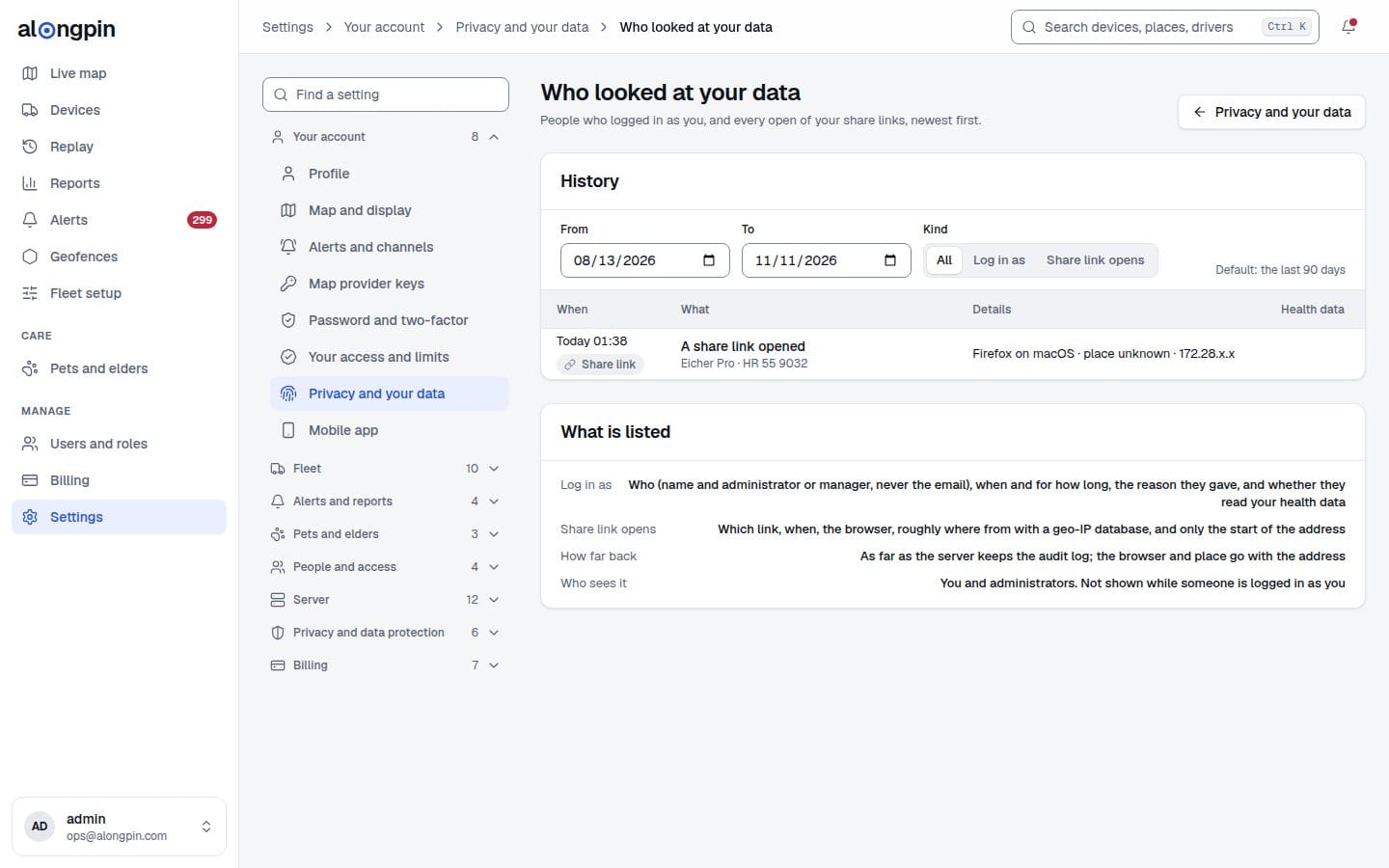
- Who opened them. Under Settings → Your account → Privacy and your data, the access history shows when each of your share links was opened. A link opened by someone you did not expect is a reason to end it at once.
- Any trip rules. If you made a zone or an alert for the camp, delete them, so they do not send messages next summer.
Revoking a share link explains what happens to someone who has the link open when it ends.
Common mistakes
- A link with no end date. Always set Works until. A trip has an end; so should the link.
- Sharing the link in a large group chat. Send it to the one person who needs it, and use a PIN where you can.
- Expecting the map to be live in the hills. No signal, no position. Agree with the family not to panic over a gap.
- Forgetting to tell your child. They should know who can see the watch during the trip.
What a good trip looks like
Your child goes, the watch stays charged most of the time, a grandparent glances at the map once or twice, and the link ends quietly on the evening the coach comes home. The personal safety page covers the watch's other functions, including the SOS button.
How Alongpin helps
Alongpin (alongpin.com) is a GPS tracking platform you open in a browser or on your phone. A child's GPS watch or a teenager's phone shows on your family's map, geofences around home and school tell you about arrivals, and the SOS button reaches the people you choose. See how it works for family safety, check a watch in the device check, and read how Alongpin treats privacy.