Field service
GPS tracking for small plumbing businesses
GPS tracking for plumbers with two to ten vans: sending the nearest van to an emergency, arrival and departure times per address, answering billing queries with trip history, private time in vans taken home, and what it takes to start.
Ashish Srivastava6 min read
GPS tracking for plumbers means a small tracker in each van that sends its position to a map the office can open at any moment. For a plumbing business with two to ten vans, that answers the questions that eat the day: which van is closest to a burst pipe, when the plumber will get to Mrs Shah's, and how long the team really spent at a job the customer is now querying. It also needs care, because the vans go home with the plumbers in the evening. This guide follows a working day, shows where tracking helps and where it does not, and lists what it takes to start.
Key takeaways
- The live map shows every van and whether it is moving, idle, parked or offline, so the office can see who is near an emergency without phoning round.
- Stops and trips give arrival and departure times at each customer address; zones around regular customers add a message when a van arrives or leaves.
- When a customer queries an invoice, the day's trips, stops and route replay show what happened.
- Vans taken home need rules: working hours as a calendar, and private trips outside them.
- To start you need a tracker and a SIM per van, and a package on the platform.
A day in a plumbing firm without tracking
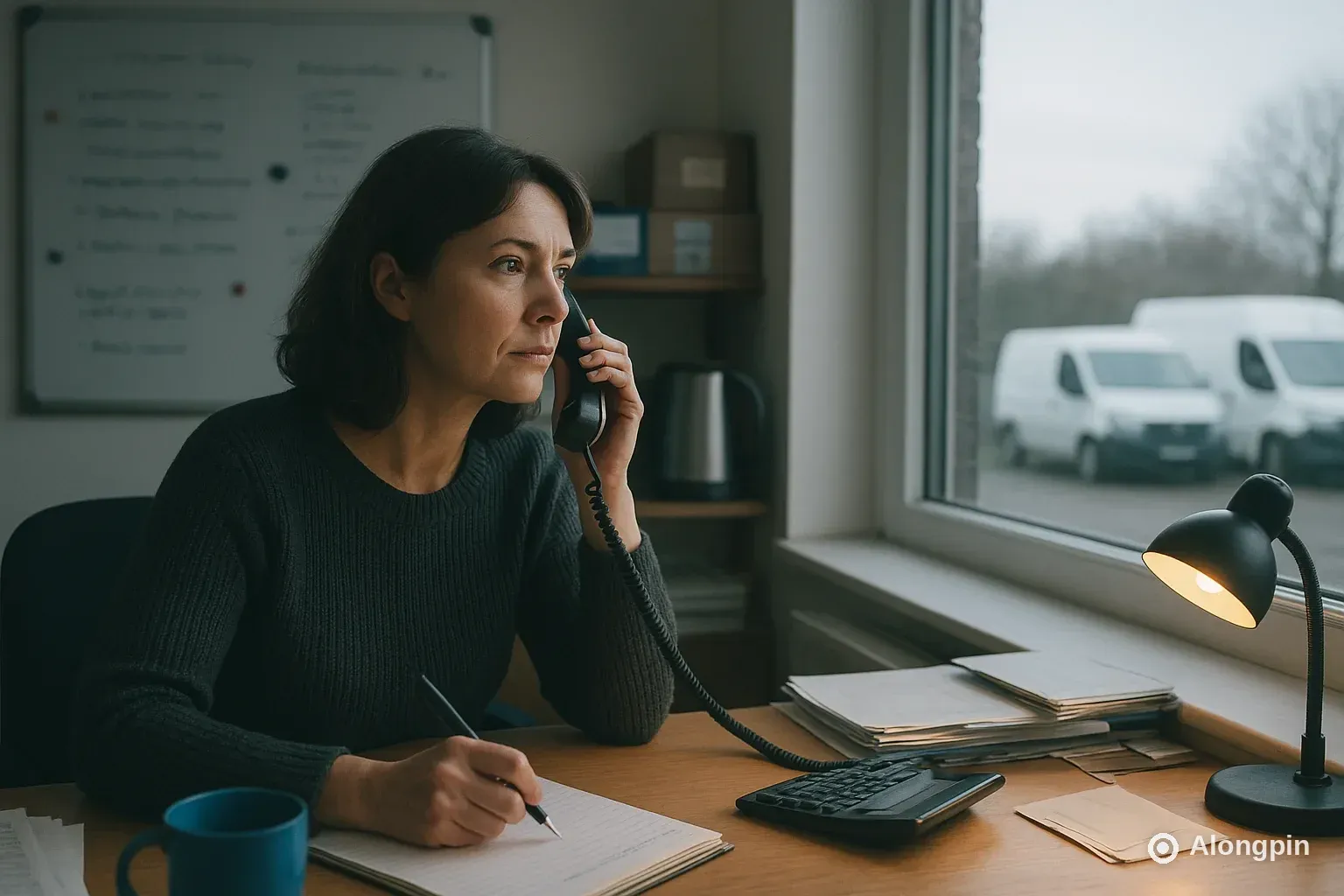
At 8 a.m. the office has a plan: four vans, eleven jobs, two quotes. By 9.30 a landlord rings with water coming through a ceiling. The office calls one plumber (under a sink, does not answer), then another (on the ring road, but which side?), then a third. Twenty minutes later someone is on the way, not necessarily the nearest.
Meanwhile two customers phone to ask when the plumber will arrive. The office does not know, so it rings the plumbers again. At the end of the week a customer disputes three hours on an invoice, and the only evidence is a timesheet written on Friday afternoon.
None of this is a failure of the team. It is what happens when the only way to know where a van is, is to ask the person driving it.
Sending the nearest van to an emergency
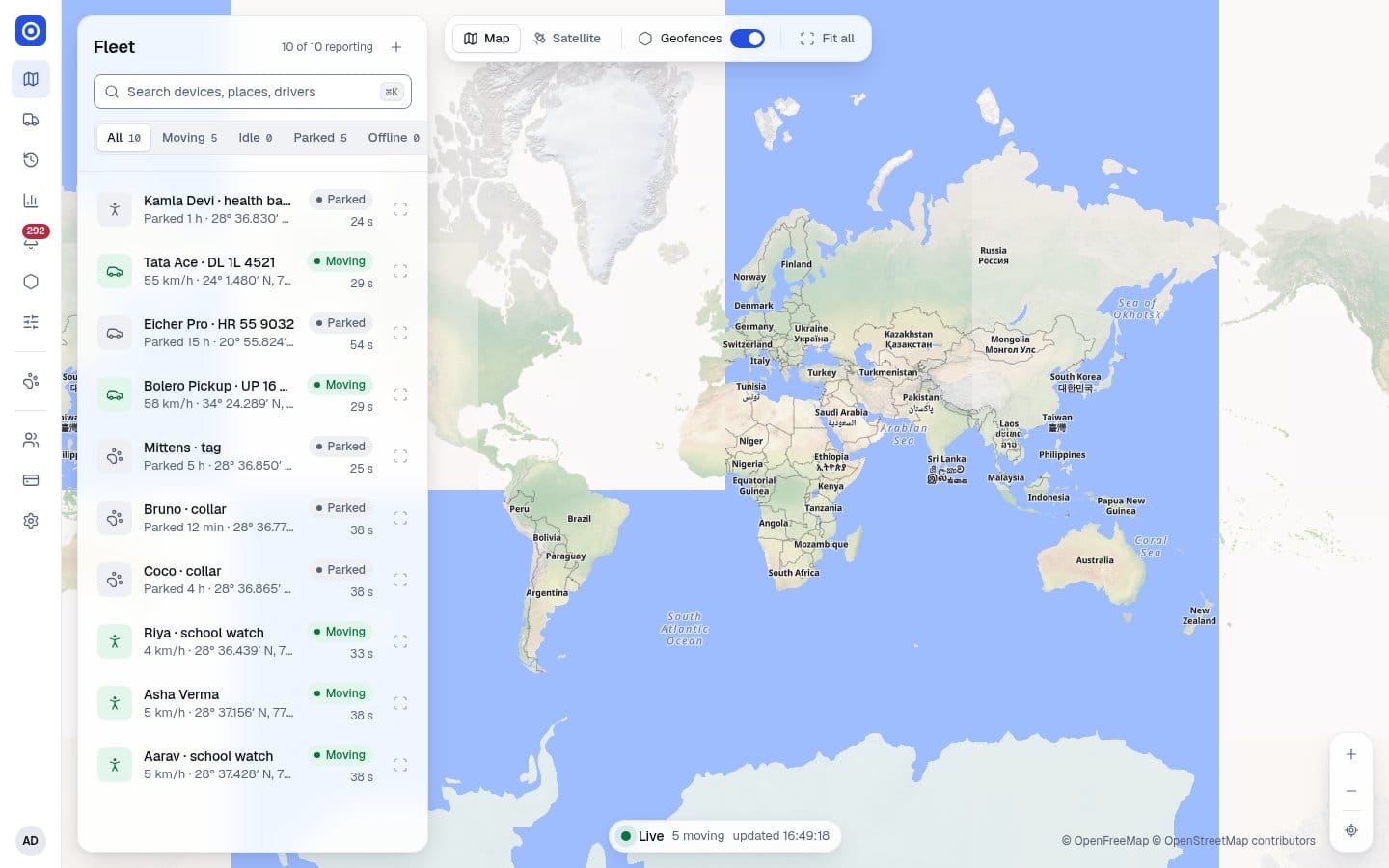
With a tracker in each van, the live map shows every vehicle with its state:
- Moving: on the road now;
- Idle: standing with the engine running;
- Parked: engine off, usually at a job;
- Offline: the tracker is not connected;
- Unknown: no report for a while (10 minutes in a standard setup).
When an emergency call comes in, the office looks at the map around the customer's address and sees which vans are close and whether they are on the road or parked at a job. The search above the vehicle list finds devices, places and drivers, and clicking a van shows its place, today's driving so far and a replay of today. The decision stays with the person dispatching: a plumber parked two streets away may be in the middle of a boiler swap, and the one fifteen minutes away may be free. What changes is that the office decides in one look instead of four phone calls.
For customers who ring to ask "when will he get here?", the office can see whether the van is already on its way. The platform does not calculate arrival times, but a van five minutes from the address on the map answers most of those calls. If you want the customer to watch for themselves, you can share a vehicle with a customer by link: a read-only link to that one van, which you can revoke afterwards.
Arrival and departure times per customer address
Every tracker reports when the van moves and stops. From that, the platform builds:
- trips: start, end, distance and duration of each drive;
- stops: where the van stood, from when to when, and whether the engine ran.
The Stops report for a van and a day is, in effect, the list of addresses the plumber visited with arrival and departure times. Open Reports, choose the van and the period, and download it as CSV or Excel if you want it in a spreadsheet.
For customers you visit often (a letting agent's flats, a school, a care home under a maintenance contract), draw a zone around the site and attach it to your vans. Then you can be told when a van arrives or leaves, and the Geofence stays report lists each visit with the time inside. How to set up geofences at customer sites walks through it.
Answering a billing query with trip history
A customer writes: "Your plumber was only here for an hour, not three." Without tracking, it is the plumber's word against the customer's. With it, you open the day for that van:
- Stops: the van arrived at the address at 9.12 and left at 12.05.
- Trips: it drove there from the previous job and on to the merchant afterwards.
- Replay: the route of the day on the map, with the stops along it.
That does not prove what work was done inside the house, and nobody should pretend it does. It shows when the van was there, which usually settles the question calmly. Download the report and attach it to your reply.
Vans taken home: working hours and private trips
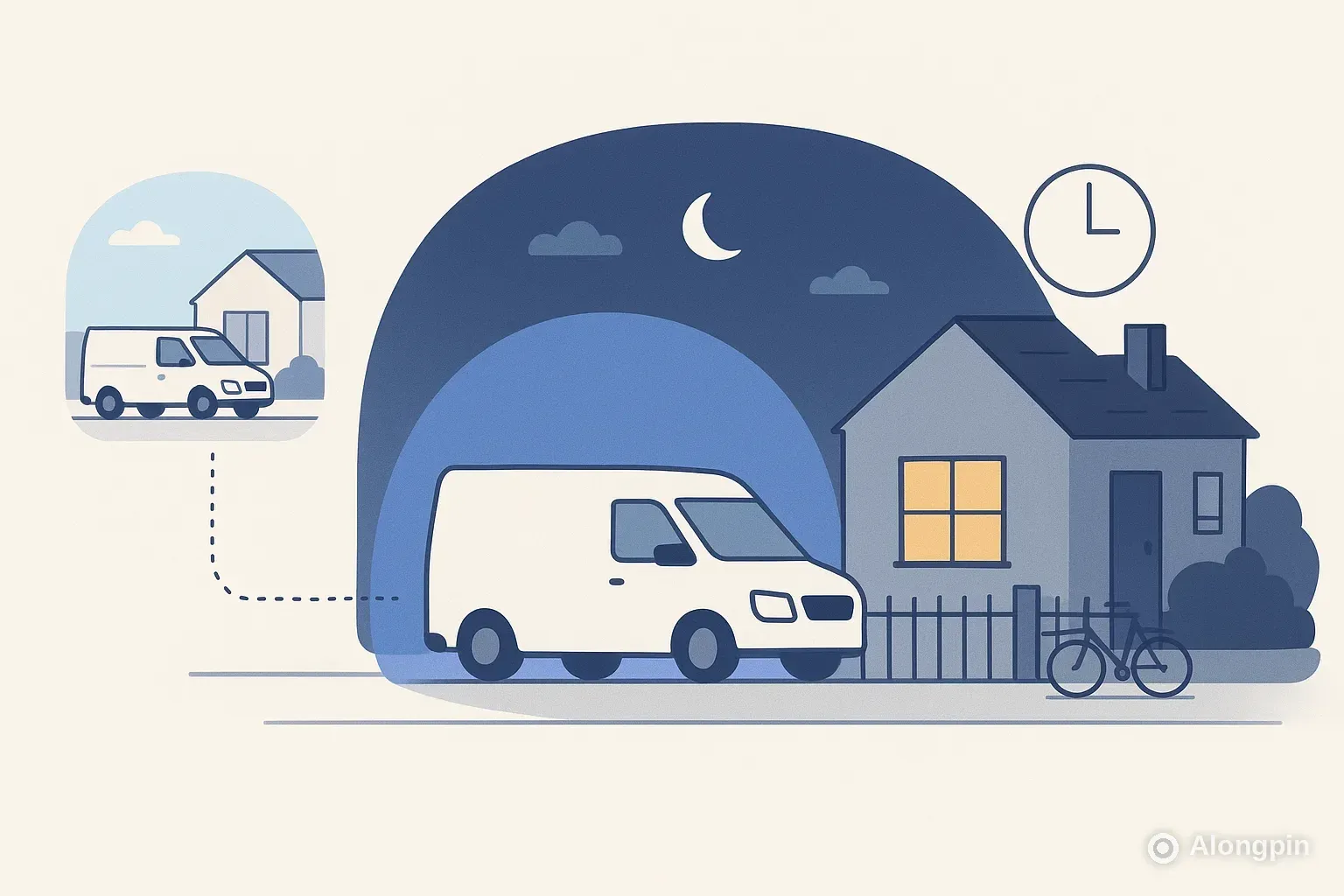
Most plumbers take their van home, and many use it for the school run or the supermarket on the way. Tracking a van at 9 p.m. on a Saturday is tracking a person's private life, and in many countries an employer may not do it without a good reason. Set this up before the trackers go in:
- Working hours as a calendar. Create a calendar of your working hours, for example weekdays 08:00 to 18:00, and use it for private trips. Outside those hours the van is private automatically.
- A private mode. Choose what happens to positions outside working hours: Blur (stored blurred to about a kilometre), Distance only (no location, but distance and odometer are kept) or Pause (not stored at all).
- A switch for the driver. Where you allow it, the plumber can switch a private trip on and off in the driver app, for a detour during the day.
- SOS still works. By default an SOS ends a private trip and sends the real position, so help can find the driver.
Tell your plumbers in writing what is recorded, when and why, before the trackers are fitted. Setting working hours so time off is private covers the set-up.
What it takes to start
- A tracker per van. A wired tracker behind the dashboard, or one that plugs into the diagnostic socket. If you already have trackers, check them in the device check; Alongpin works with many tracker brands and protocols.
- A SIM with mobile data in each tracker. The data used is small, but it must work where your vans go.
- A package on the platform. Packages and any trial are on the pricing page.
- An hour to set up. Add each tracker by its IMEI, name the vans, draw zones for your regular customers, set the working-hours calendar.
Start with one or two vans for a couple of weeks: you will see what the data shows and where it helps before you fit the rest. The field service solution shows the whole set-up for trades with customer visits. When you are ready, sign up and add your first van.
How Alongpin helps
Alongpin (alongpin.com) is a GPS tracking platform you open in a browser or on your phone. Your technicians' vans or phones appear on the live map; geofences at customer sites record arrivals and time on site, and driver privacy keeps time off private. See how it works for field service, check your trackers in the device check, or sign up.
Frequently asked questions
Will tracking tell me how long the plumber worked?
It tells you when the van arrived and left. What happened inside the house is between your plumber and the customer.
Can customers see where the van is?
Only if you give them a link to that van, which you can revoke at any time.
Do I need a smartphone in each van?
No. The tracker reports by itself. A phone is needed only if the plumber uses the driver app to switch private trips.