API and integrations
Getting live positions over the WebSocket
How to open the Alongpin WebSocket and receive new positions, device status changes and alerts as they happen, what each message contains, how filtering per user works and how to reconnect after a drop.
Ashish Srivastava4 min read

The GPS tracking WebSocket API sends you new positions, device status changes and alerts the moment they happen, so your system does not have to poll. Open wss://YOUR_HOST/api/socket with an API token: you first receive a snapshot of your devices and their latest positions, then each change as a small JSON message, filtered to what the token's user may see.
Key takeaways
- One socket per client: a snapshot on connect, then positions, devices and events as they change.
- Every message is filtered per user, exactly as the API is.
- After a drop, reconnect: the new snapshot brings the latest positions back.
- For a check every few minutes or for history, the REST API is simpler.
Sign in or use a token, then open the socket
The socket is authenticated like any other request: by the session cookie of a signed-in browser, by an Authorization: Bearer header, or by ?token= in the address. Browsers cannot set headers on a WebSocket, so a page uses ?token=; a server-side client can use either. Create the token as the API reference shows, ideally for a user with a narrow role.
const ws = new WebSocket(`wss://YOUR_HOST/api/socket?token=${TOKEN}`);
ws.onmessage = (e) => {
  const msg = JSON.parse(e.data);
  if (msg.positions) console.log('positions', msg.positions);
  if (msg.devices) console.log('devices', msg.devices);
  if (msg.events) console.log('alerts', msg.events);
};
The handshake is refused with 401 without a valid token (an expired one too), and with 403 for a web page on an address the administrator has not allowed, or for an account whose subscription has ended.
The message kinds
Every live message is a JSON object with one key and a list of one item:
| Message | When it comes |
|---|---|
{"devices": […]} and {"positions": […]} |
Right after connecting: your devices and their latest positions |
{"positions": [position]} |
A new position was stored |
{"devices": [device]} |
A device changed, its status included (online, offline, unknown) |
{"events": [event]} |
An alert for you, from an alert rule that reaches you in the app |
{"eventUpdates": […]} |
An event was acknowledged for the first time |
{} |
A keep-alive, every 30 seconds |
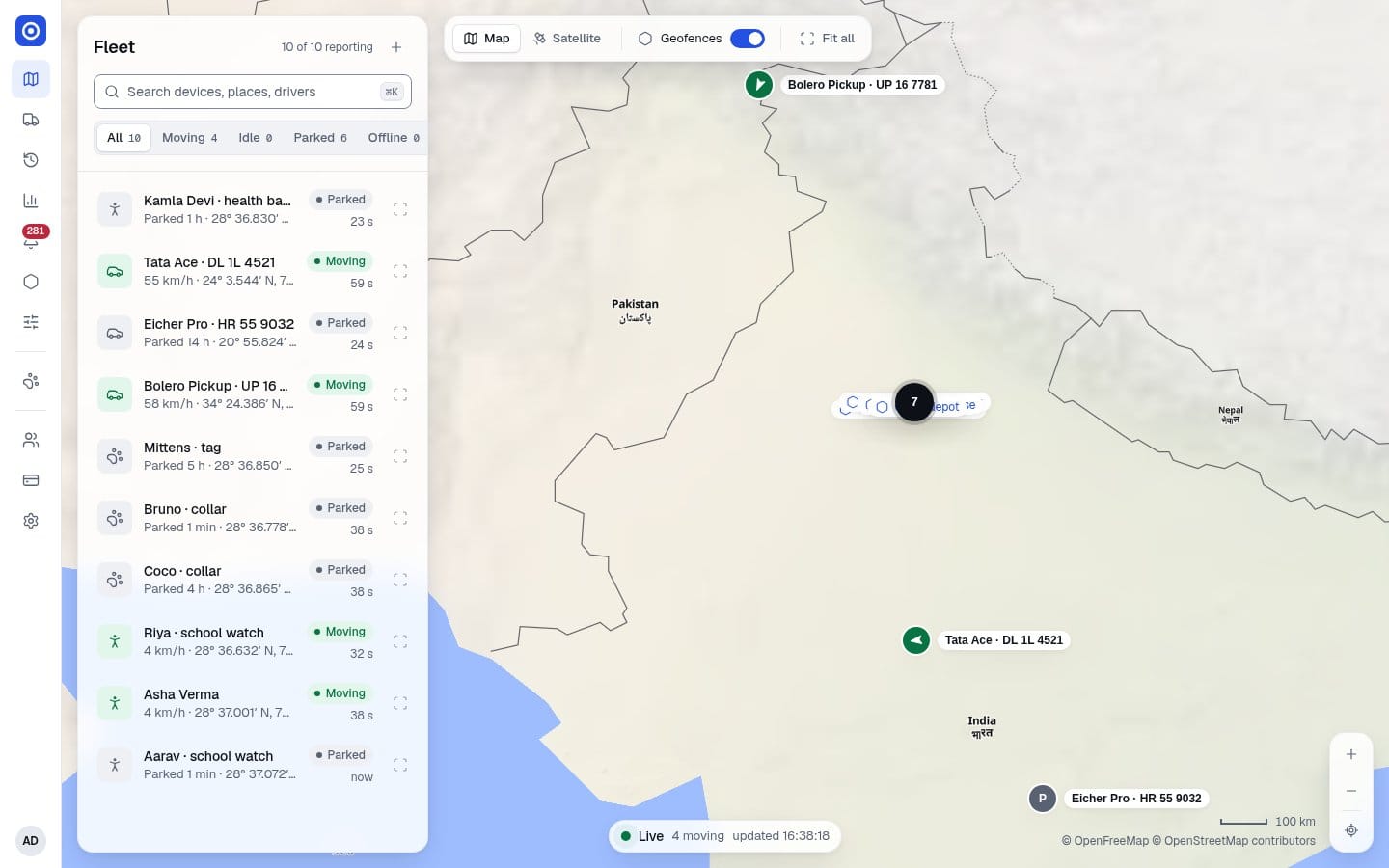
Positions use the API's units: speed in knots, distance in metres, times as ISO-8601 instants. Events arrive only for rules that use the in-app channel; an alert sent only by email or webhook does not appear on the socket. Live positions are what the portal's live map is drawn from, so the socket shows what a user would see there.
Each message is filtered per user
The platform decides for each message who may receive it:
- positions only for devices whose positions the user may read;
- device changes only for devices the user may see;
- a position during a private trip arrives reduced and marked private;
- health readings from watches are left out for users who may not see them.
When an administrator changes the user's rights, open sockets follow at once. The only message a client sends is {"logs": true} to receive live device logs (and {"logs": false} to stop); anything else is ignored.
Reconnect after a drop, and read the latest positions again
Sockets end for ordinary reasons: a network change, a deploy, a token that expires. Plan for it:
- Reconnect with a growing pause between attempts, a few seconds at first.
- On reconnect you receive a new snapshot, which brings every device's latest position and status back. A position can arrive both in the snapshot and just after it, so ignore one whose
idyou already have. - If you need every position of the gap, not only the latest, read them with
GET /api/positions?deviceId=…&from=…&to=…for the time you were away.
Look at the close code before reconnecting. Code 1008 with "Session expired" means the token ended: create a new one. "Session was revoked" or "Account is no longer active" means someone took the access away; reconnecting with the same token will fail, so tell a person. Code 4500 means the server could not send to you, often because the client read too slowly: a client that leaves more than 512 KB waiting or takes longer than 10 seconds to accept a message is disconnected.
When polling the REST API is the simpler choice
The socket suits screens that must change within seconds: a dispatch board, an alarm display, a live map of your own. Polling suits the rest:
- a check every few minutes:
GET /api/positionsanswers the latest position of every device you can read in one call; - batch jobs and history: positions or reports for a period;
- environments that cannot hold a connection open, such as short-lived functions.
The developers overview shows how the socket, the REST API and webhooks fit together.
Frequently asked questions
Do I need one socket per device?
No. One socket carries every device the user may see.
Why does my socket close although nothing is wrong?
Check whether a proxy in between closes idle connections: the keep-alive every 30 seconds is there to prevent that. A token that expires also closes the socket, with "Session expired".