Rental and leasing
GPS tracking for car and van rental companies
What GPS tracking does for a car or van rental business: every unit on one map, alerts when a unit leaves the agreed area, distance driven for the rental period, a link for the hirer, and what to tell customers.
Ashish Srivastava6 min read

GPS tracking for rental cars and vans means a tracker in every unit and one platform that shows where each one is, tells you when one leaves the area your agreement allows, and gives you the distance driven between handover and return. For a car or van hire business, those three answers cover most of the daily questions: is the unit back, is it where it should be, and how far did it go. This overview walks through what Alongpin does for a rental operator, what depends on the tracker you fit, and what you still owe your customers.
Key takeaways
- Every unit on one live map, with its state and last known position, grouped by branch.
- A geofence around the agreed area and an alert rule when a unit leaves it.
- Distance for the rental period from a summary or trips report, downloaded as CSV or Excel.
- A read-only share link lets a hirer see their own unit until the return date.
- Tell customers in the rental agreement that the unit is tracked; the legal basis is yours to establish.
The rental problems tracking addresses
A rental fleet has problems an ordinary company fleet does not, because the people driving are not your staff and change every few days:
- Where is it between rentals? Units sit at branches, at customers' addresses, at the workshop or at a body shop, and the booking system only knows where they should be.
- Has it gone further than agreed? Agreements often limit use to a state, a region or a country, and a unit taken outside raises insurance and recovery questions.
- How far did it go? Customers dispute kilometres, and an odometer photo at handover is easy to forget.
- Is it coming back? A unit that is not returned on time needs a first look before anyone calls the police or the insurer.
- Can the customer see it? Business customers who hire vans for a project want to know where their hired units are.
Tracking does not solve the commercial side of any of these. It gives your staff a factual record to start from. The rental solution page shows how these fit together for vehicles, trailers and machines.
Every unit on one map with its last position
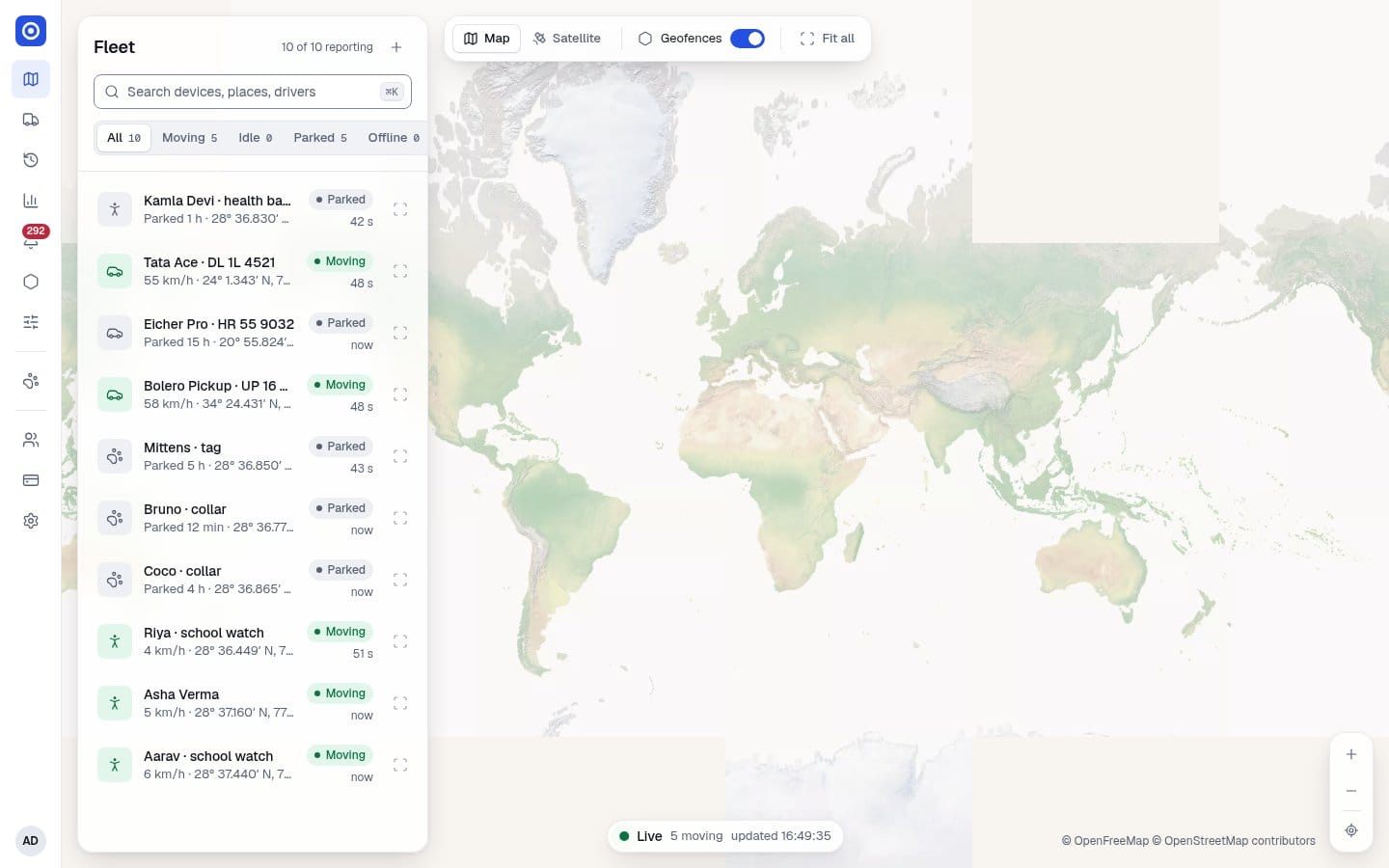
The live map shows every unit with its state: Moving, Idle (engine on, standing), Parked, Offline, or Unknown when it has not reported for a while (10 minutes in a standard setup). Each is shown by colour, shape and word, so a branch manager can read the yard at a glance. Open a unit to see its position, speed, when it last reported and its recent trips.
Group units by branch under Devices → Groups, and give branch staff users that see only their own branch's group. The fleet search on the map finds a group by its name. A unit that moves to another branch picks up that branch's zones and alert rules as soon as you move it to that branch's group.
Zone alerts for the agreed area
Draw the area your agreement allows as a geofence: a polygon around a state or a region, a circle around a city. Attach it to the branch's group, then create an alert rule for Geofence exit, limited to that geofence, with the channels your staff actually read: push, e-mail or text message where your account offers them. The rule tells the person on duty when a unit leaves the area, with a link to the place.
Give the area a margin. A border drawn exactly along a coastline or a state line will fire for a unit that is driving along it. When a rental unit leaves the agreed area covers the first response once the alert arrives, and how to set up a rental walks through the whole routine step by step.
Distance driven in the rental period from a report
When the unit comes back, open Reports, choose Summary, pick the unit and the rental period from handover to return, and press Show. The row gives the distance, driving time, top speed and the odometer at the start and end; Trips lists each journey. Download either as a file for the customer record.
Distance comes from the tracker's own odometer when the tracker reports one at both ends of the period; otherwise it is the distance the platform counts from the positions. Correct a unit's odometer to its dashboard reading once when the tracker is fitted, so the two agree from the start. Settling mileage disputes when a rental comes back goes into producing a clear record.
Telling the customer in the rental agreement: your legal basis
A tracker on a rented car records where it goes, and while it is rented that record relates to the person who has it. That makes it personal data in most countries, and your business needs a legal basis for collecting it. Alongpin gives you the tools: who sees what, how long data is kept, export and erasure. It does not give you the legal basis.
In practice, rental operators usually:
- Say it in the agreement: that the unit carries a tracker, what it records, why (recovery, the agreed area, mileage), who sees it and how long it is kept.
- Keep it proportionate: alerts for leaving the agreed area and for theft, not a live watch on every customer's day.
- Set retention to match: positions kept long enough to settle disputes and claims, not for years.
- Limit staff access to the branch that handles the unit.
Check what your local law requires; a lawyer who knows rental and data protection in your country is worth an hour. The rental page also covers telling customers.
Moving a tracker and its plan when a unit is replaced
Rental fleets turn over. When a car is sold and a new one joins, the tracker and its subscription have to follow:
- Same tracker, new vehicle. Move the tracker into the new vehicle, rename the device in the portal, and correct its odometer and engine hours to the new vehicle's readings. The history of the old vehicle stays under the device, so note the date of the swap.
- New tracker, same subscription. Add the new tracker under Devices by its IMEI, then open the subscription under Billing and choose Move to another device. The old device's entitlement ends at the move, and the subscription runs on for the new one.
- Unit moves to another account. When a unit goes to a branch account or a customer who runs their own account, an administrator can hand the device to another user with Move to another user on its settings. The new owner sees it at once; the history is not deleted.
Choosing trackers and a package
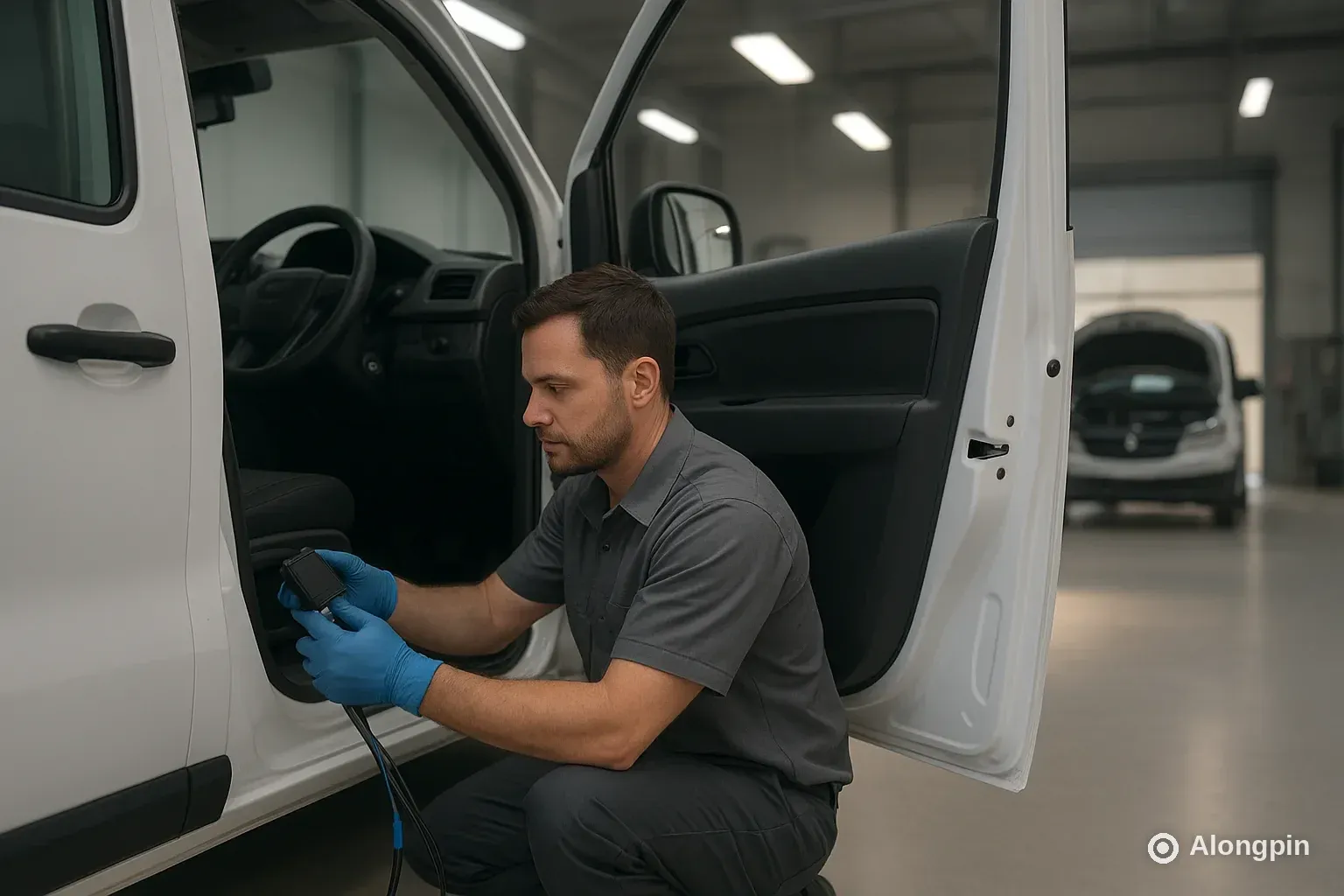
The platform and the trackers are bought separately. A wired tracker with ignition suits most cars and vans; it tells parked apart from idling and keeps reporting when the vehicle is off. Before you buy in quantity, type the model into the device check to see whether its protocol is supported, and fit one unit first. Packages and what they include are on the pricing page; to see the portal with a rental fleet in it before you decide, book a demo.
How Alongpin helps
Alongpin (alongpin.com) is a GPS tracking platform you open in a browser or on your phone. Each hire vehicle shows on the live map with its trips and distance, geofences mark your yards and permitted areas, and a share link can give a hirer the vehicle's position for the length of the hire. See how it works for rental and leasing, or check your trackers in the device check.
Frequently asked questions
Can I cut the engine of a rented car that has left the area?
Only where the tracker model and its wiring support it, and only under your own written policy. A command that cuts the engine can be unsafe on a moving vehicle, and local law may restrict it.
Do customers need an app to see their unit?
No. A share link opens in a browser, read-only, until the time you set. Giving a hirer a live location link explains how.
What happens when the tracker has no signal?
Most trackers keep their positions and send them when coverage returns, so the history fills in later. A rule for Device offline or Status unknown tells you when a unit goes quiet.